54
Managing Recorded Data
• Pin assignments of the data output connector
15.2 Data Output
The contents of a JOB can be output to a computer in CSV
or SDR2X format.
Pin No. Signal
1SG (GND)
2 NC (unused)
3SD (TXD)
4 RD (RXD)
5 Power source (output)
6 Reserved (must not be used)
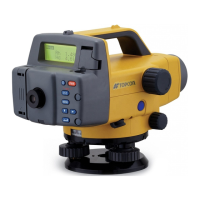
1 Use a cable to connect the
DL-502/
503
to a computer. ("15.1 Connecting
to a Computer or Data Collector")
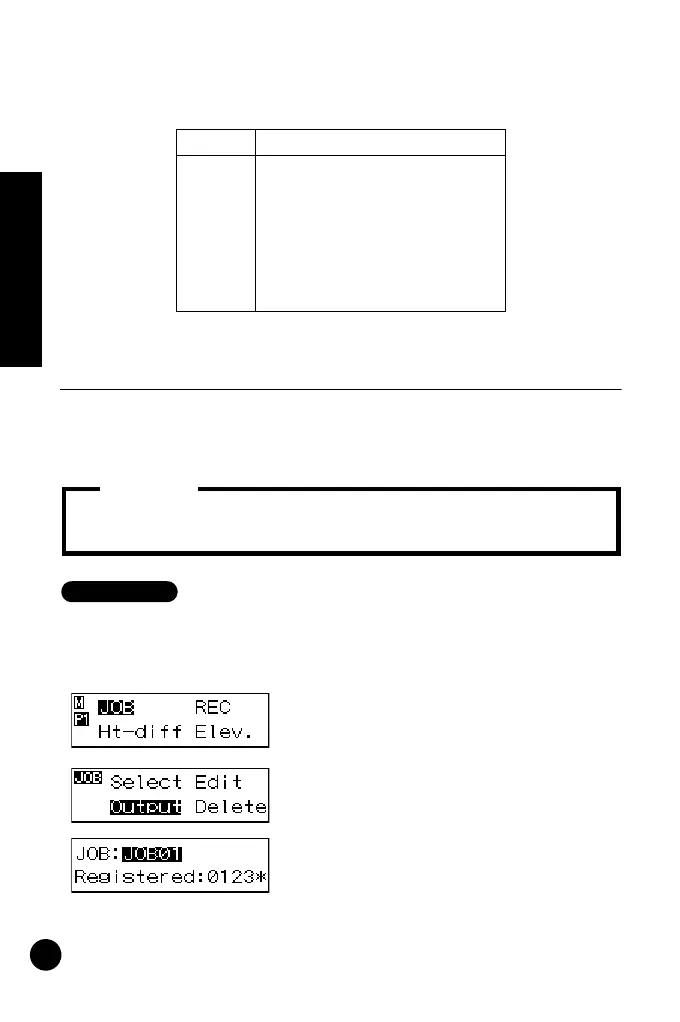
2 In menu mode, select "JOB" and
then "Output." The currently selected
JOB and recorded point numbers are
displayed.
3 Select the JOB you wish to send.
• Data recorded in a JOB that has not been sent is indicated by an
asterisk (*).
Important:
DL502-503.book 54 ページ 2010年4月5日 月曜日 午前9時47分



 To Next Page