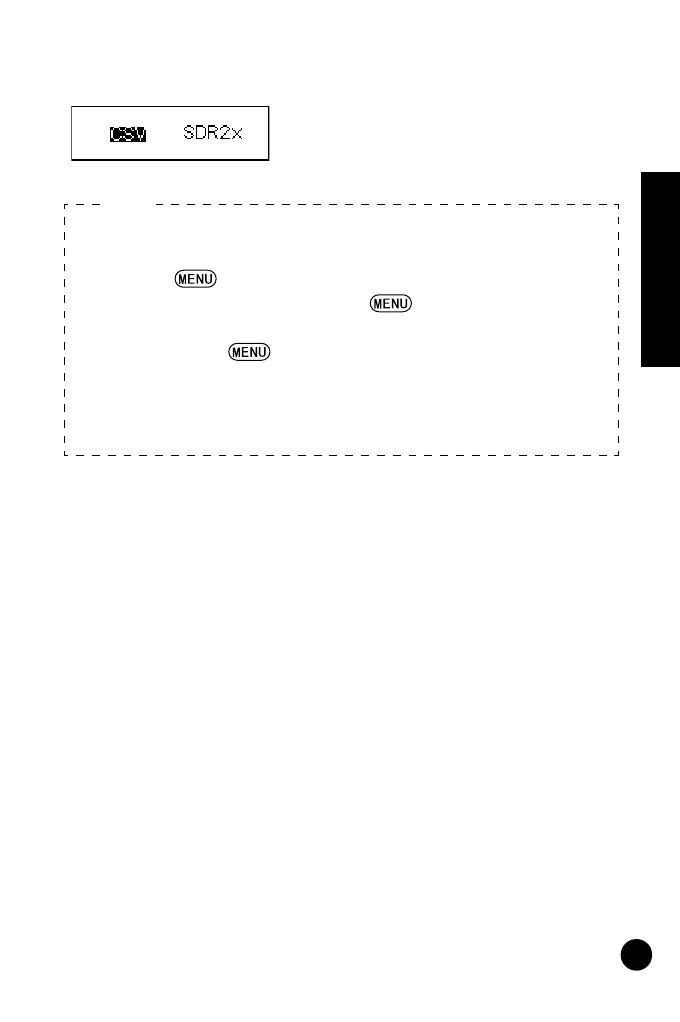
Data is output. When data output is
JOB setting mode.
• JOB Quick Access
Step 2: When JOB numbers 01 to 10 are displayed, press
to jump to JOB number 11. When numbers 11 to
20 are displayed, press to jump to JOB number
1.
Step 4: Press to display the communication conditions
setting screen.
• Data output format/command operations
For details, refer to the "Output Format and Command
Explanations (DL Edition)" manual and ask your local dealer.
Note:



 To Next Page