93
16. SETTING-OUT ARC
• When entering multiple
coordinates, [NEXT] is
displayed instead of [OK]. Press
[NEXT] to input data for the next
point.
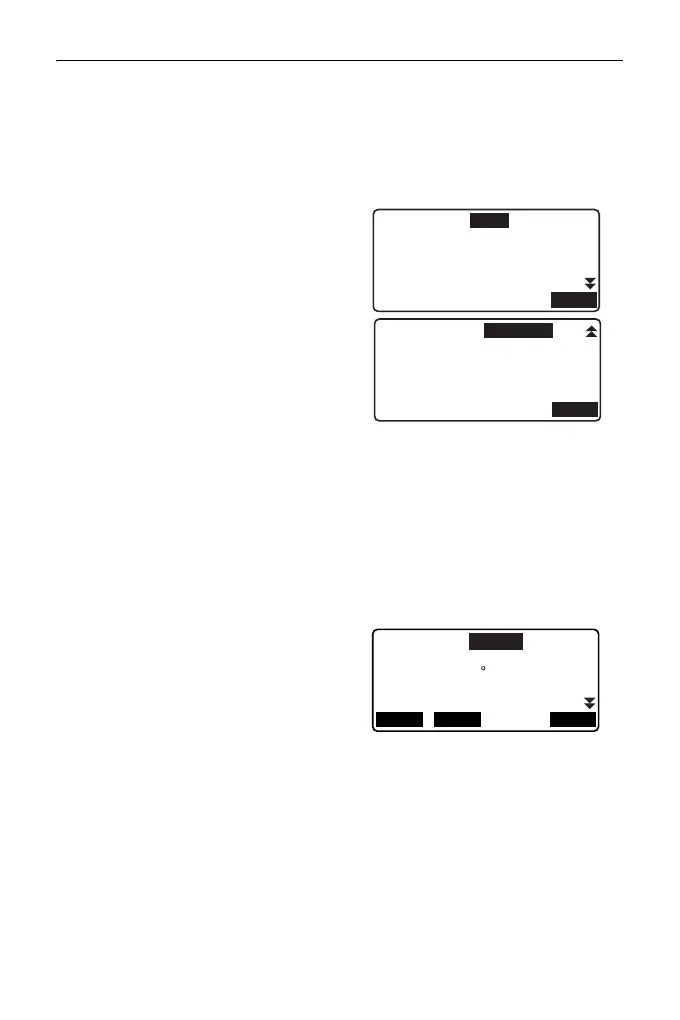
8. Enter other arc parameters.
(1) Direction (whether the arc
turns right/left from the From
point)
(2) Radius (radius of the arc)
(3) Angle (subtended angle)
(4) Arc (distance along the arc)
(5) Chord (straight line distance
between the From and To
points)
(6) Tan ln (tangent length)
(7) Bk tan (back tangent length)
Parameters that can be
entered may be
restricted depending on
the coordinates specified
in step 5.
" Specifying coordinates
and curve parameters"
9. Enter curve parameters then
press {ENT}. Other parameters
will be calculated.
• [TO]: Calculated coordinates for
To point can be recorded.
[CENTER]: Calculated
coordinates for Center point can
be recorded.
[INTSCT]: Calculated
coordinates for Intersect point
can be recorded.
Direction:Left
Radius
: <Null>
: <Null>
: <Null>
: 141.421m
Angle
Arc
Chord
OK
Tan I n :
Bk tan: <Null>
OK
<Null>
Direction:Right
Radius
Angle
Arc
: 157.080m
Chord
: 141.421m
OK
: 100.000m
: 90 00’00"
INTSCT
CENTER



 To Next Page