195
27. RECORDING DATA - TOPO MENU -
• To set the atmospheric
correction factor to 0ppm, press
[0ppm]. The temperature and
air pressure are set to the default
setting.
4. Check the input data, then press
[OK].
5. Press {ESC} to restore <TOPO>.
• Maximum point name size: 14 (alphanumeric)
• Input range of instrument height: -9999.999 to 9999.999 (m)
• Maximum code/operator size: 16 (alphanumeric)
• Weather selection: Fine, Cloudy, Light rain, Rain, Snow
• Wind selection: Calm, Gentle, Light, Strong, Very strong
• Temperature range: -35 to 60 (°C) (in 1°C step)/-31 to 140 (°F) (in 1°F step)
• Air pressure range: 500 to 1400 (hPa) (in 1 hPa step)/375 to 1050 (mmHg)
(in 1mmHg step)/14.8 to 41.3 (inch Hg) (in 0.1 inch Hg step)
• Atmospheric correction factor range (ppm): -499 to 499
Backsight station data can be stored in the current JOB. Azimuth angle setting
method can be selected from “inputting azimuth angle” or “calculating
coordinates”.
PROCEDURE Inputting azimuth angle
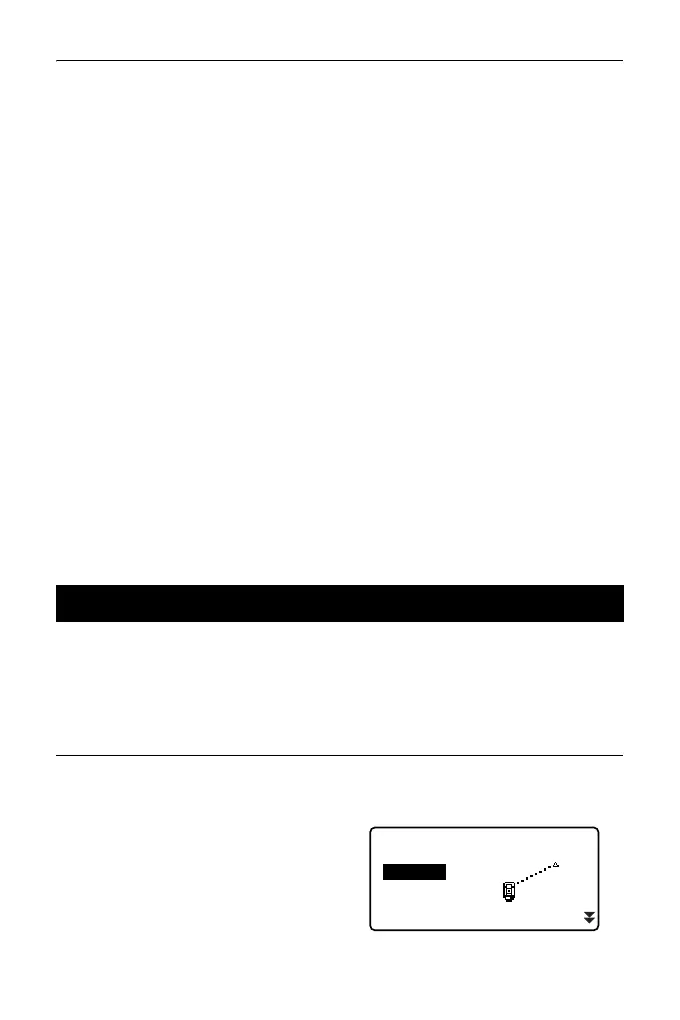
1. Press [TOPO] in the third page of
OBS mode to display <TOPO>.
2. Select “BS data”.
27.2 Recording Backsight Point
TOPO JOB1
Occupy
Angle data
Dist data
Coord data
BS data



 To Next Page