251
33. CHECKS AND ADJUSTMENTS
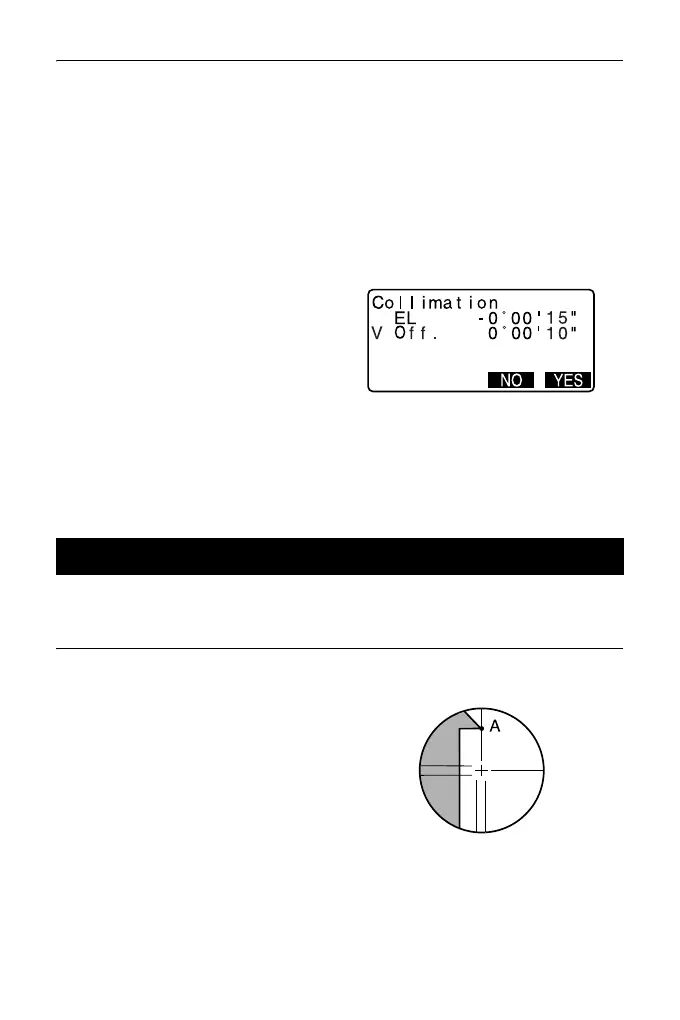
3. Display <Collimation>.
Select “Instr.const” in the Config.
mode screen and select
“Collimation”.
4. While the telescope is in Face 1,
sight the center of the target
correctly and press [OK].
Rotate the instrument 180°.
5. While the telescope is in Face 2,
sight the center of the target
correctly and press [OK].
6. Press [YES] to set the constant.
•Press [NO] to discard the data
and return to the screen in step
4.
PROCEDURE Check 1: Perpendicularity of the reticle to the
horizontal axis
1. Carefully level the instrument.
2. Align a clearly visible target (the
edge of a roof for example) on
point A of the reticle line.
33.4 Reticle



 To Next Page