18. TOPOGRAPHY OBSERVATION
106
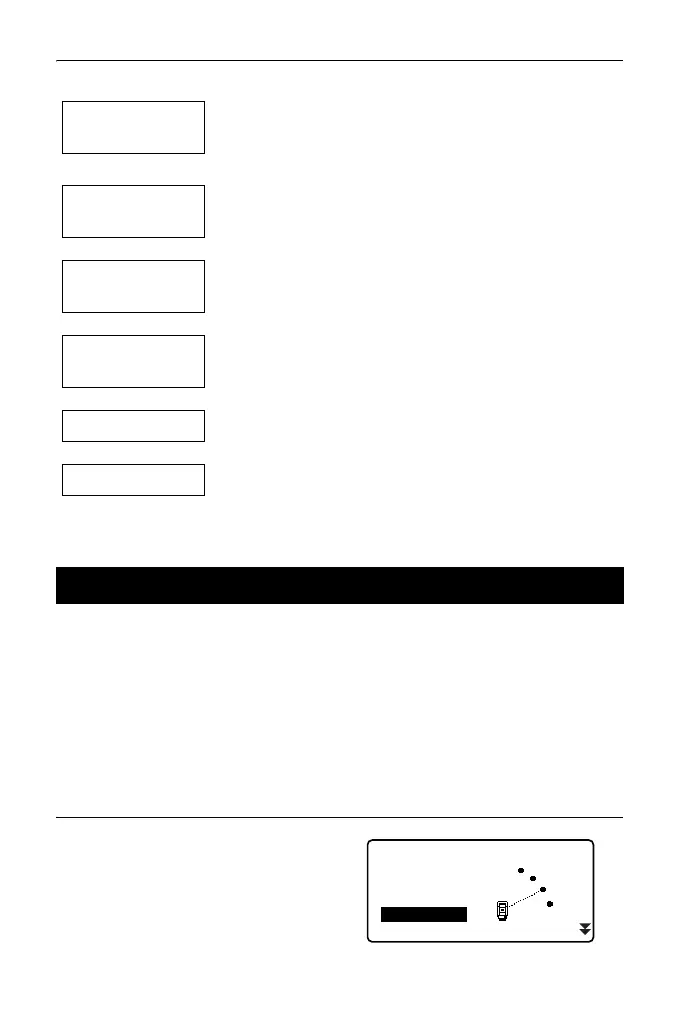
The flow of topography observation is as follows:
Perform observation setting prior to topography observation.
• Up to 40 collimation points can be registered.
• It is possible to register up to 8 combination patterns for the number of distance
sets, the number of distance readings, Yes or No for RL observation, pre-
entered point registration, backsight distance measurement and backsight
distance check.
PROCEDURE
1. Enter the topography observation
menu screen.
On the second page of the OBS
mode, press [Menu], then select
"Topography".
Observation
setting
Sets a measurement pattern, and Yes or No for
topography RL observation and collimation point
registration.
↓
Instrument
station setting
↓
Backsight point
setting
Sets a backsight point coordinate when setting "Yes" for
"Backsight distance check" in the observation setting.
↓
Collimation point
registering
Registers a collimation point when setting "Yes" for "Pre-
entered point registration" in the observation setting.
↓
Observation
↓
Observation end
18.1 Observation Setting
MENU
Coordinate
S-O
Topography
MLM
Offset



 To Next Page