193
27. RECORDING DATA - TOPO MENU -
In Record menu, you can store the measurement data (distance, angle,
coordinates), station point data, backsight station data, and note in the current
JOB.
"28. SELECTING/DELETING A JOB"
• A total of 5000 data can be stored inside the instrument. Recording instrument
station data and backsight station data is an exception.
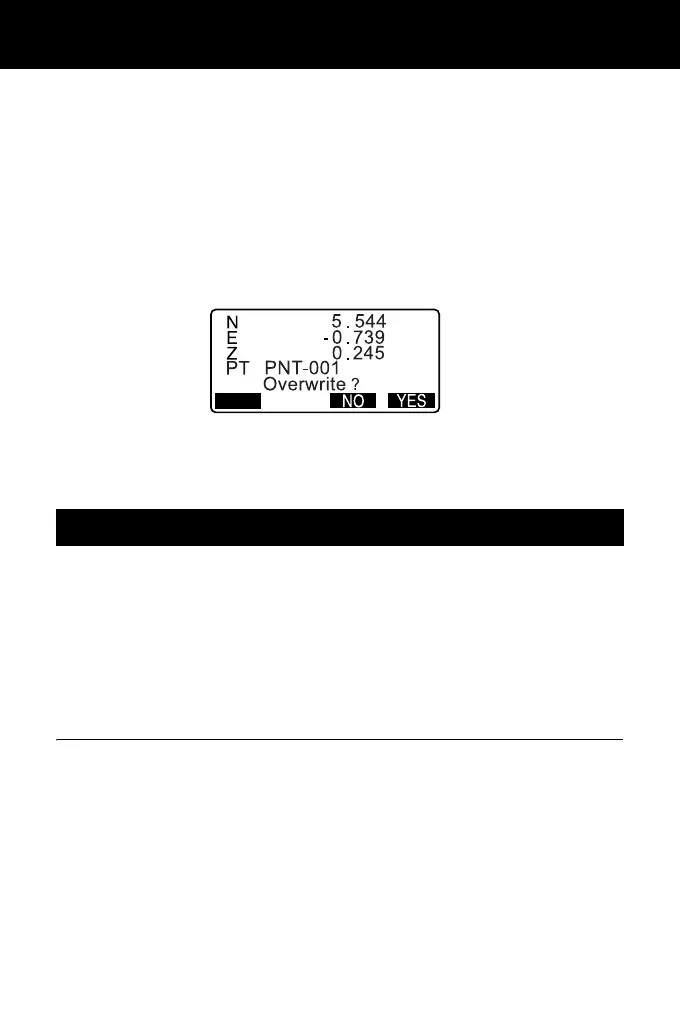
• If the same point name is input, the following screen is displayed.
Press [ADD] to record the point as another record with the same name.
Press [NO] to input a new name.
Press [YES] to overwrite the present point.
Instrument station data can be stored in the current JOB.
• The items that can be recorded are the instrument station coordinates, point
name, instrument height, codes, operator, date, time, weather, wind,
temperature, air pressure and atmospheric correction factor.
• If instrument station data is not stored for the current JOB, the previously stored
instrument data settings will be used.
PROCEDURE
1. Press [TOPO] in the third page of
OBS mode to display <TOPO>.
• Current JOB name is displayed.
27.1 Recording Instrument Station Data



 To Next Page