26. Point to Line MEASUREMENT
192
• Pressing [REC] records the
coordinates for the instrument
point as known point data in the
current JOB. The instrument's
station coordinates and height
cannot be changed at this time.
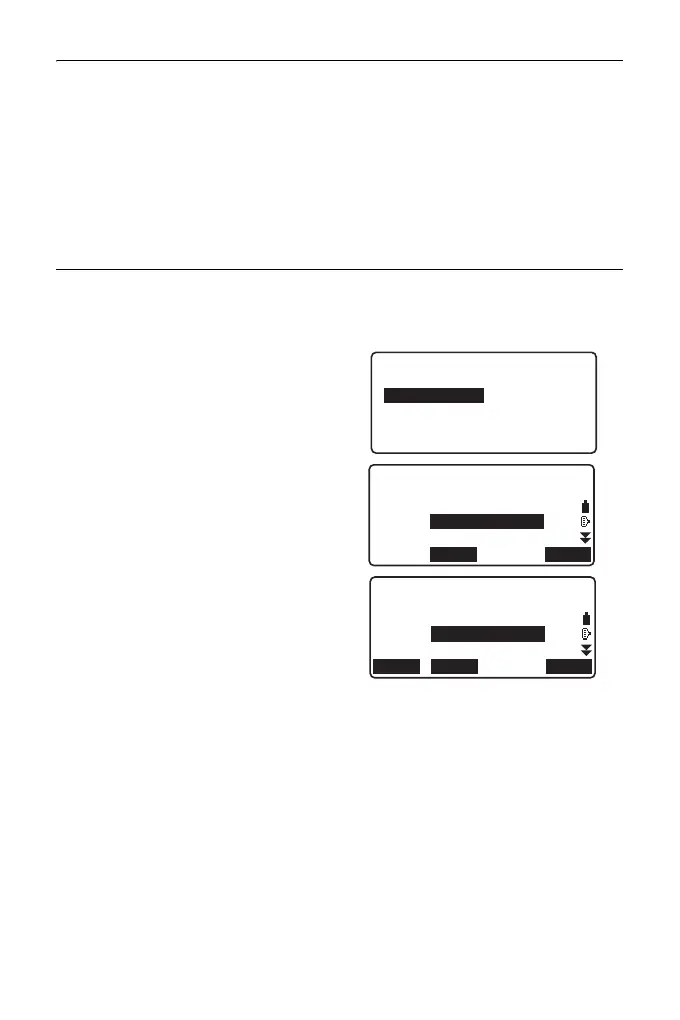
PROCEDURE Point to Line Measurement
1. Press "Point to line" on the second
page of the OBS mode.
2. Select "Point to line".
3. Collimate the target point and
press [MEAS]. The measured
result is displayed.
• Pressing [REC] records the
coordinates of the target point as
measured data in the current
JOB.
• Pressing [S.CO] displays the
coordinates of the instrument
station.
4. Collimate the next target point and
press [MEAS] to begin
measurement. It is possible to
measure several points
consecutively.
5. Pressing {ESC} returns to the
<Point to Line> screen.
Point to line
Define baseline
Point to line
MEASS.CO
N
E
Z
HR
PT
2.500
m
1001
MEASS.COREC
N
E
Z
HR
PT
2.500m
20.000
30.000
40.000
1001



 To Next Page