119
19. OFFSET MEASUREMENT
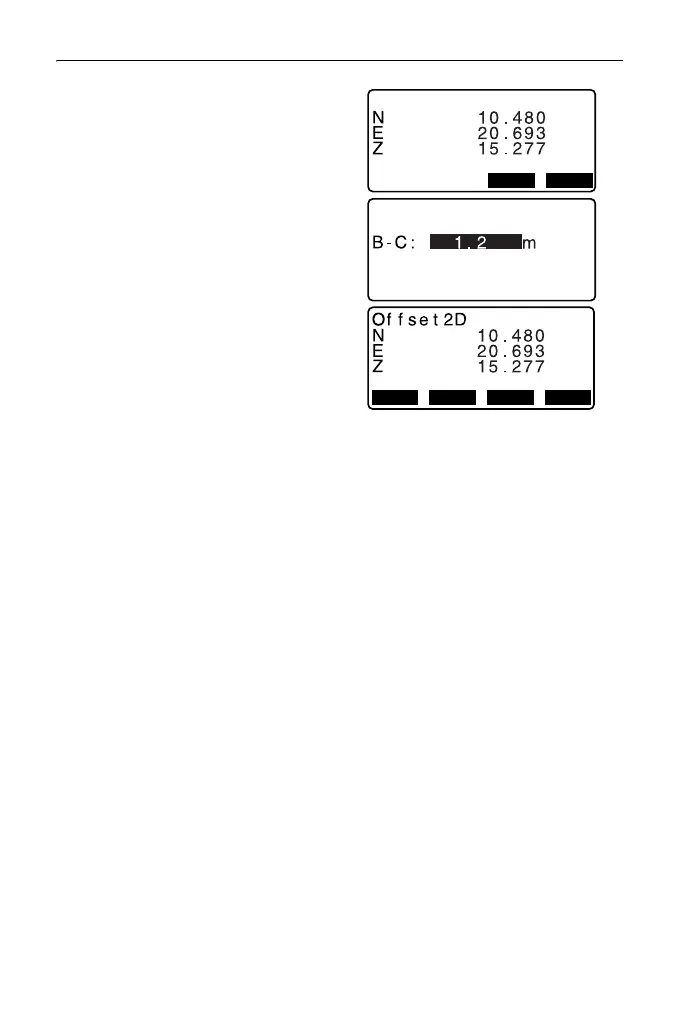
6. Sight the 2nd target and press
[MEAS].
The measurement results are
displayed. Press [YES].
7. Enter the distance from the 2nd
target to the target point and press
{ENT}. The coordinates of the
target point are displayed.
8. Press [YES]. <Offset> is restored.
• When [HVD] is pressed, display
mode is switched from
coordinates to SD, ZA, HA-R.



 To Next Page