24. ROUTE SURVEYING
152
PROCEDURE
1. In the second page of the OBS mode
screen, press [MENU], then select
"Road".
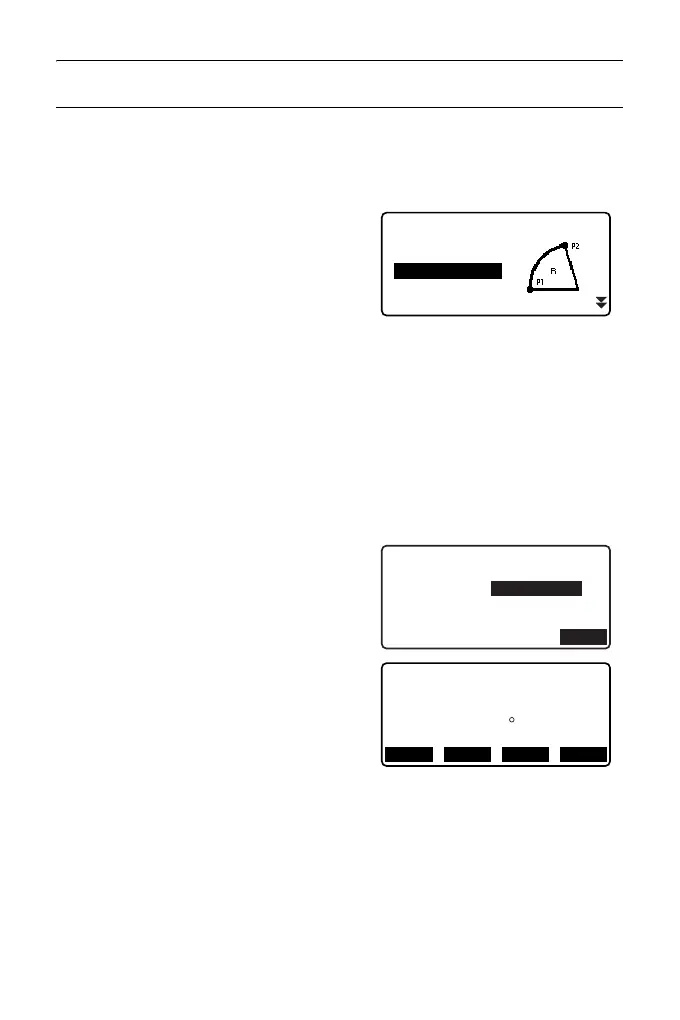
2. Select "Circ.Curve" to enter the
Circular Curve menu.
3. Input the coordinates of the BC point
(reference point), then press [OK].
4. Input the coordinates of the IP point,
then press [OK].
• The azimuth angle to the IP point can
be set by pressing [AZMTH] on the
second page. Press [COORD] to
return to coordinate input.
5. Enter the curve direction, curve
radius, offset, and follow-up distance.
6. Press [OK] in the screen shown in
step 5 to calculate the center peg
coordinates. The coordinates and
azimuth angle are then displayed in
this screen.
Road
Occ.Orien.
Line
Circ.Curve
Spiral
Parabola
Circ.Curve/CL peg
St. ofs
Sta..ing
0.000m
90.000m
Direct. Right
Radius
85.000m
OK
N
E
65.779
Circ.Curve/CL peg
178.739
Azmth
00 00’ 00"
WIDTH
CENTER
REC S-O



 To Next Page