173
24. ROUTE SURVEYING
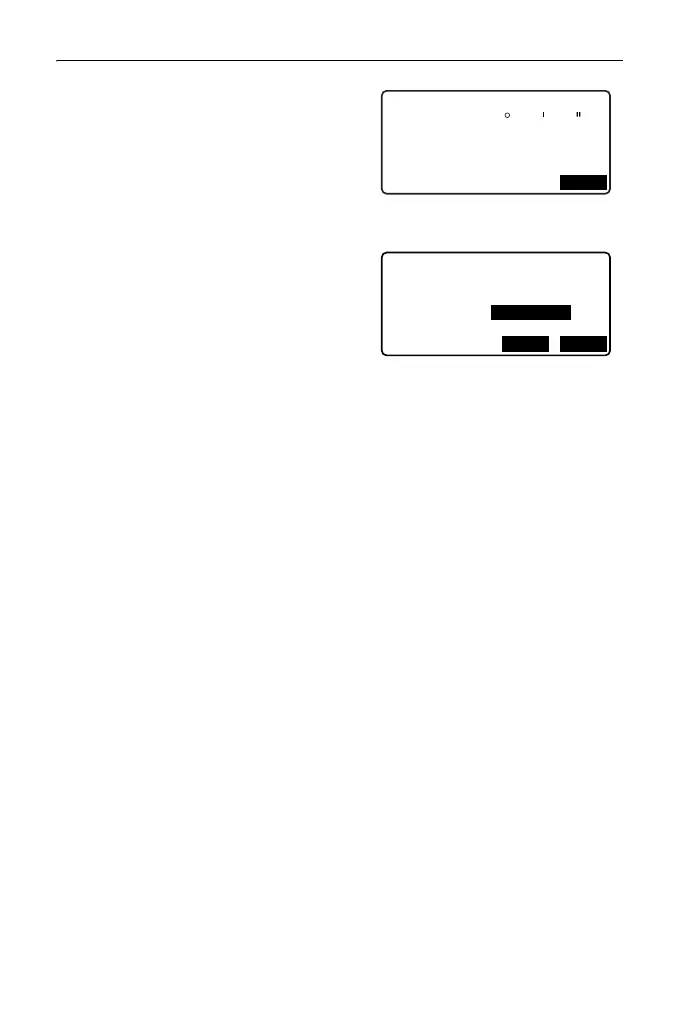
• When [IP] is pressed, the intersection
angle, turning direction, the lengths
of the curves between BP-IP1 and
IP1-IP2 are calculated from the BP,
the IPs and the curve elements, and
the results are displayed. After
checking the results, press [OK].
4. Input the elements for the next curve.
Input the parameter A1, parameter A2
and radius R for the next curve. The
offset is automatically set.
• The offset is not displayed if "Next
BP" described in "24.8.8 Setting
parameters" is set to "IP".
• When [IP] is pressed, the intersection
angle, turning direction, the lengths
of the curves between IP1-IP2 and
IP2-IP3 are calculated from the BP,
the IPs and the curve elements, and
the results are displayed. After
checking the results, press [OK].
5. Continue inputting the elements for
the following curves.
Input the elements for the following
curves in the same manner as shown
in steps 3 and 4.
6. Quit inputting the curve elements.
When input of the elements for all
curves is completed, press [OK]. The
screen will return to <Curve Element
Setting>.
Element1
IA
Direct. : Right
BP-IP1: 141.421m
IP1-IP2: 141.421m
OK
90 00 00
Element2
Para A1
Para A2
<Null>
<Null>
Radius
St. ofs
195.386m
50.000m
OKI P



 To Next Page