28. SELECTING/DELETING A JOB
210
PROCEDURE Inputting a JOB name
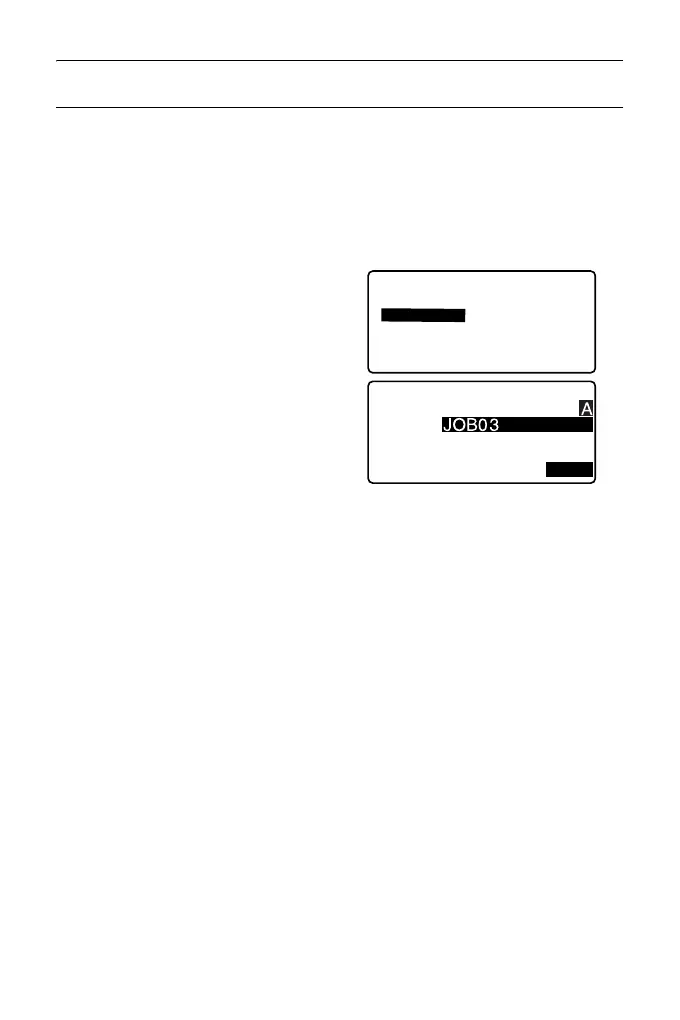
1. Select “JOB” in Data mode.
2. Select in advance the JOB whose
name to be changed.
“PROCEDURE JOB selection
and scale factor setting”
3. Select “JOB details” in <JOB>.
After inputting the detailed
information for the JOB, press
[OK].
<JOB> is restored.
• Enter the scale factor for the
current JOB.
• Maximum length of JOB name: 12 (alphanumeric)
• Scale factor input range : 0.50000000 to 2.00000000 (*1.00000000)
“*” : Factory setting
JOB details
JOB name
SCALE:1.00000000
OK
JOB
JOB selection
JOB details
JOB deletion
Comms output
Comms setup



 To Next Page