35
10. ANGLE MEASUREMENT
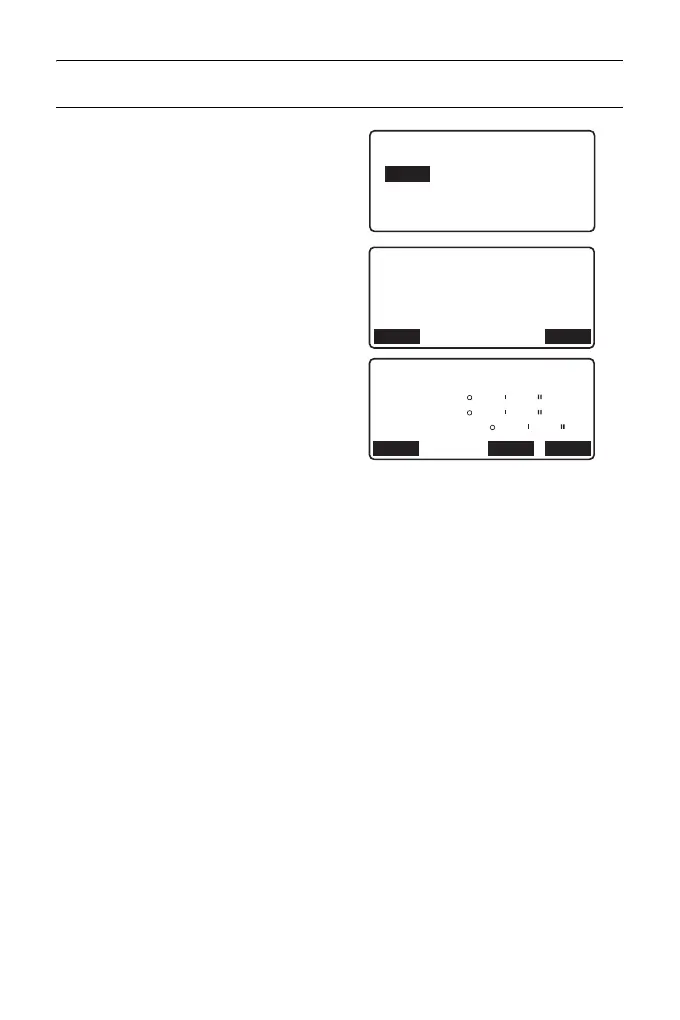
PROCEDURE Entering the coordinate
1. Press [H-SET] on the second
page of the OBS mode and select
"Coord."
2. Set the known point coordinate.
Enter the coordinate for the first
point, and press [OK].
Press [YES] to set the horizontal
angle.
•Press [REC] to set and record
the horizontal angle.
"27.2 Recording Backsight
Point"
3. Sight the second target.
The horizontal angle from the set
coordinate is displayed.
SET H angle/BS
NBS: 100.000
EBS: 100.000
ZBS: <Null>
OKLOAD
Set H angle
Take BS
ZA
HA-R
Azmth
89
125
59
32
50
20
YESNOREC
45 00 00



 To Next Page