89
15. SETTING-OUT LINE
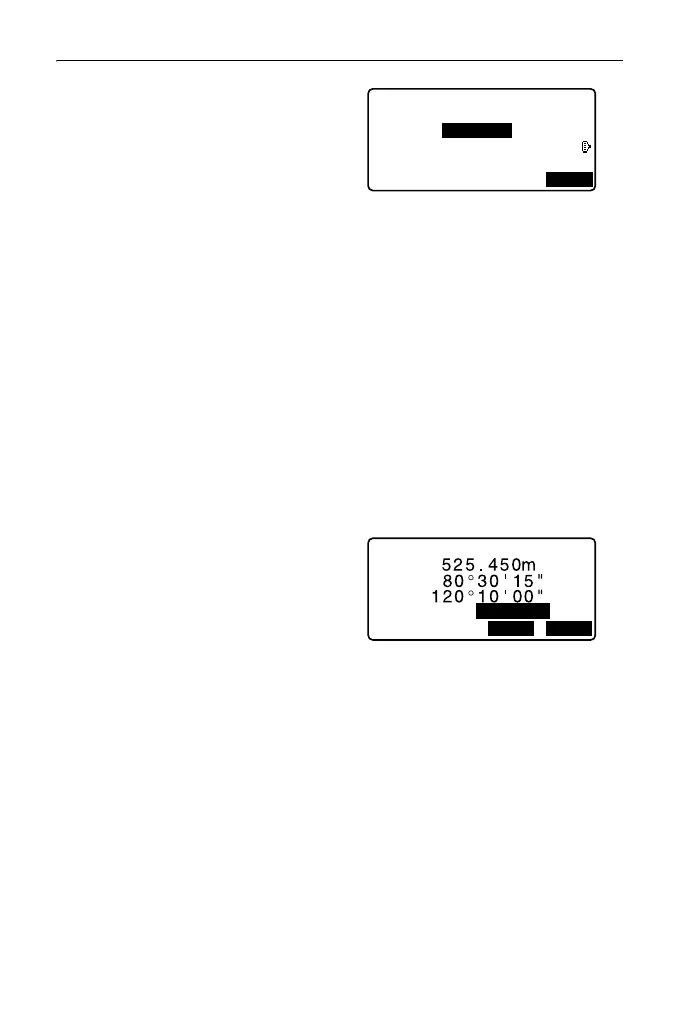
2. Enter the offset value.
• Offset: How much to move the
baseline.
A positive value indicates right
side and a negative value
indicates left side.
• When not setting offset value, go
to step 3.
3. Sight the target and press [MEAS]
on the screen of step 2.
The measurement results are
displayed on the screen.
Press [STOP] to stop the
measurement.
• The tilt screen is displayed if the
instrument is out of level.
Level the instrument.
"7.2 Levelling"
4. Press [YES] to use the
measurement results.
Displays the difference between
the measured point and the
baseline.
• Offline: A positive value
indicates the point is on the right
of the baseline and a negative
value indicates it is on the left.
• “Cut” indicates that the point is
below the baseline.
• “Fill” indicates that the point is
above the baseline.
• Length: Distance along the
baseline from the first point to
the measured point.
•Press [NO] to observe the target
again.
Set-out line
Offset
0.000m
MEAS
Set-out line
NO
YES
HR
1.400m
SD
ZA
HA-R



 To Next Page