25
INDICATION OF CHART
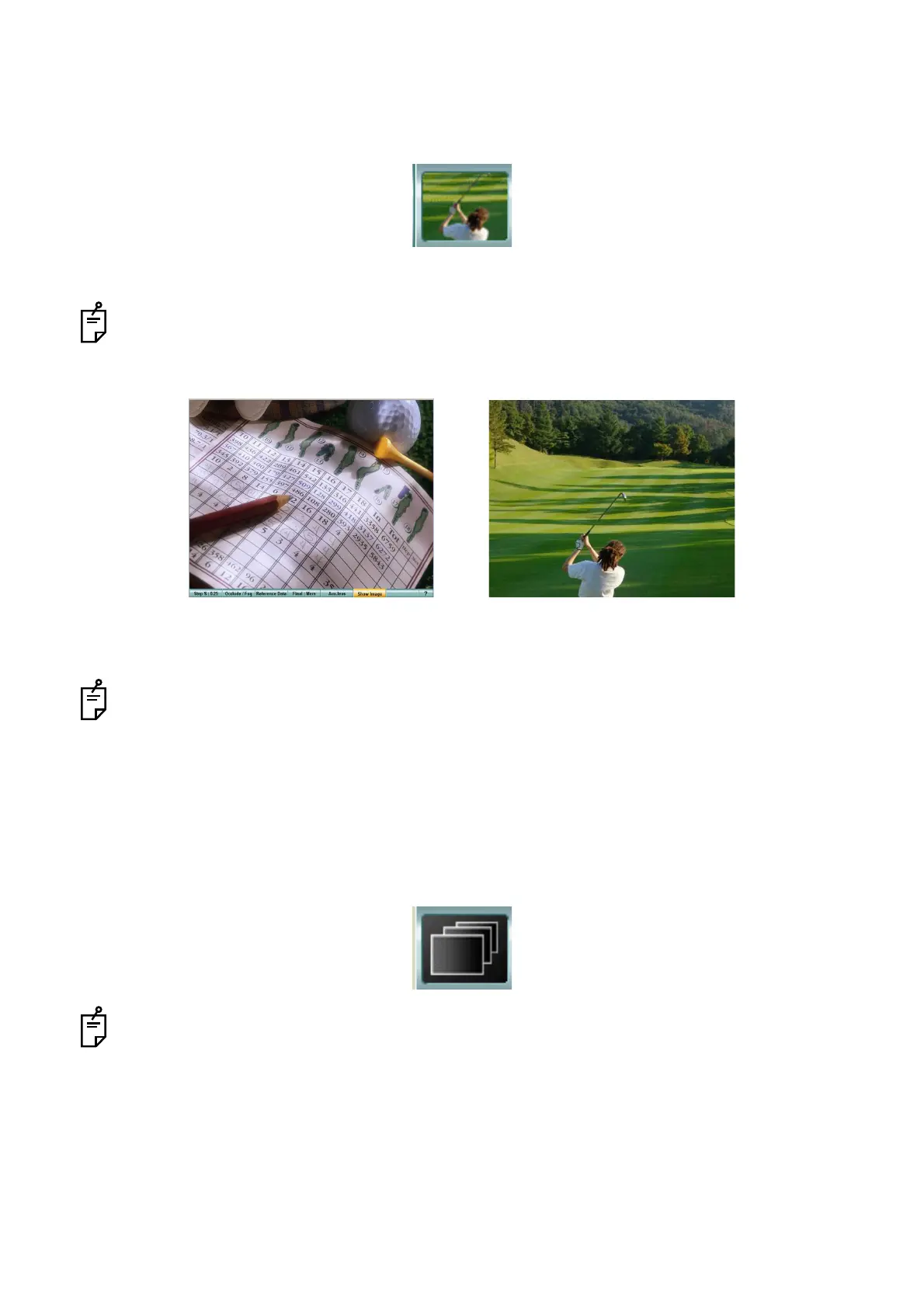
Picture
1 Select the image from the chart page.
2 The near-point image is appeared on KB-50S and the far-point image, on the PC-50S display.
When operating through mouse/personal computer, the near-point image does not appear.
3 Touch the [Display] button among the function buttons, and the near-point image (KB-50S) is
canceled.
Select any other chart, and the selected chart is appeared on the instrument.
Slideshow
1 Select "Slideshow" from the chart page.
The image slideshow is played.
Select any other chart.
"Slideshow" is canceled and the selected chart is indicated on the instrument.
Near-point image (KB-50S) Far-point image (PC-50S)



 To Next Page