30
INDICATION OF CHART
COINCIDENCE TEST (V)
Refer to "COINCIDENCE TEST (V)" in the CV-5000 instruction manual for details of the test method.
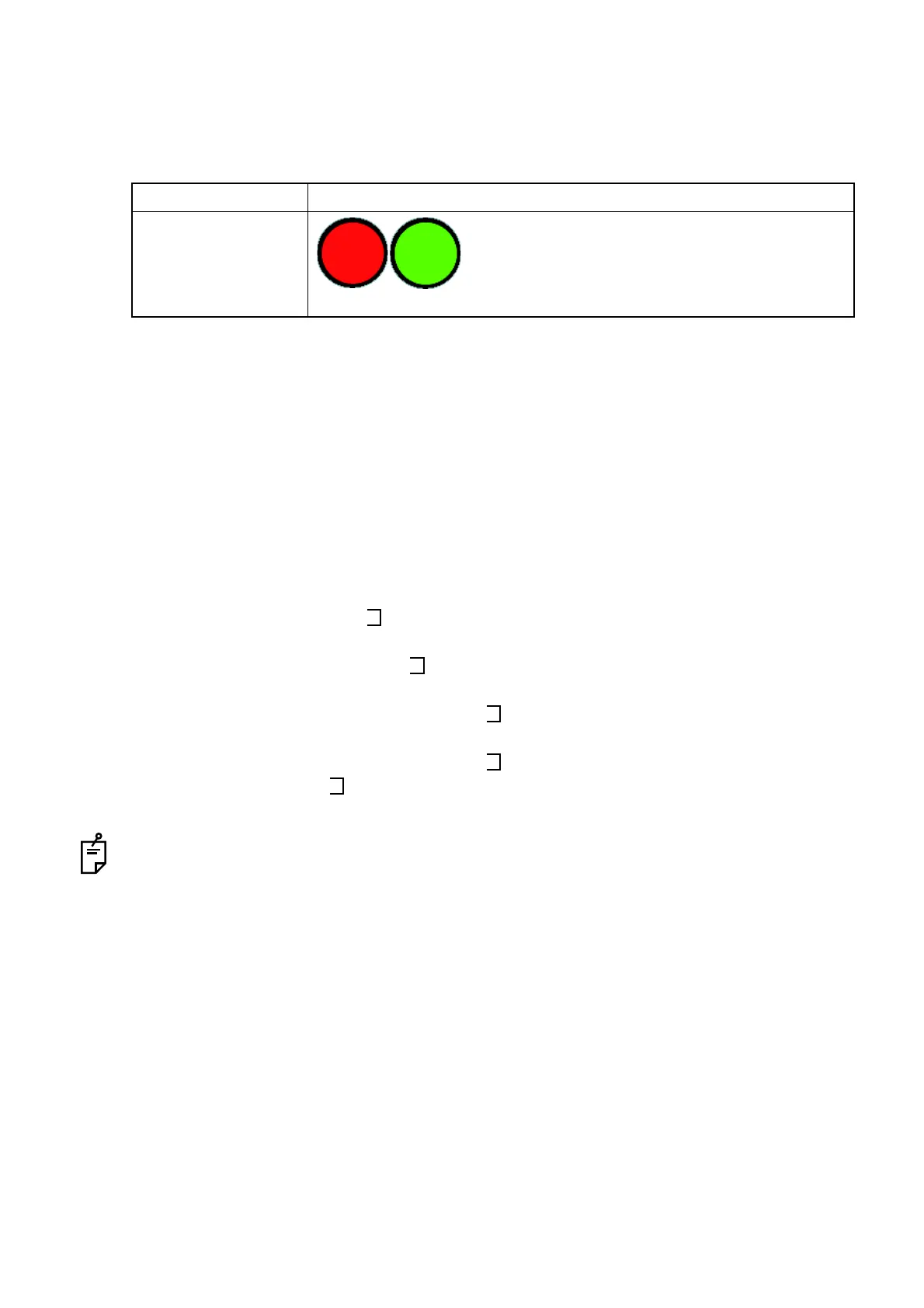
Set the red and green lenses on this instrument, which are the auxiliary lenses, to the right and left
eyes respectively and then perform the test.
1 Check the vertical aniseikonia.
When the patient sees the test chart through the R/G auxiliary lenses, the center fixation target is
seen by both eyes. In addition, the left half is seen by the left eye and the right half, by the right
eye as shown below.
2 Touch the [Scale Simulate] button among the function buttons on the screen to perform the active
chart test.
3 Operate the dial to adjust the chart.
Let the patient answer whether the right and left images are different in size. If so, let the patient
watch the opening of the right and left images and answer how much the lines are disparate to
each other.
To indicate the right and left " " characters in the same size, turn the dial according to "Dial
Navigation" (*when operating through mouse/personal computer: according to "Mouse Naviga-
tion") and adjust the size of the left " " (red).
Turn the dial leftward (*when operating through mouse/personal computer: click the right mouse
button on the mouse navigation), and the left " " (red) is larger by 0.5%.
Turn the dial rightward (*when operating through mouse/personal computer: click the left mouse
button on the mouse navigation), and the left " " (red) is smaller by 0.5%.
When the right and left " " characters are indicated in the almost same size, let the patient
check the right and left images.
When anisometropia (the difference in the refractive power between the right and left eyes is very
large) causes aniseikonia, it is said that the following prescription is proper.
If the cause is axial anisometropia, the eyeglasses prescription should be adopted.
If the cause is refractive anisometropia, the contact lens prescription should be adopted.
Item Description
Auxiliary lens
The red lens is set to the right eye and the green
lens, to the left eye.
(The left illustrations are the status as seen from
the operator side as shown on the CV-5000 soft-
ware screen.)



 To Next Page