31
INDICATION OF CHART
PHORIA TEST (POL. CROSS)
Refer to "PHORIA TEST (POL. CROSS)" in the CV-5000 instruction manual for details of the test
method.
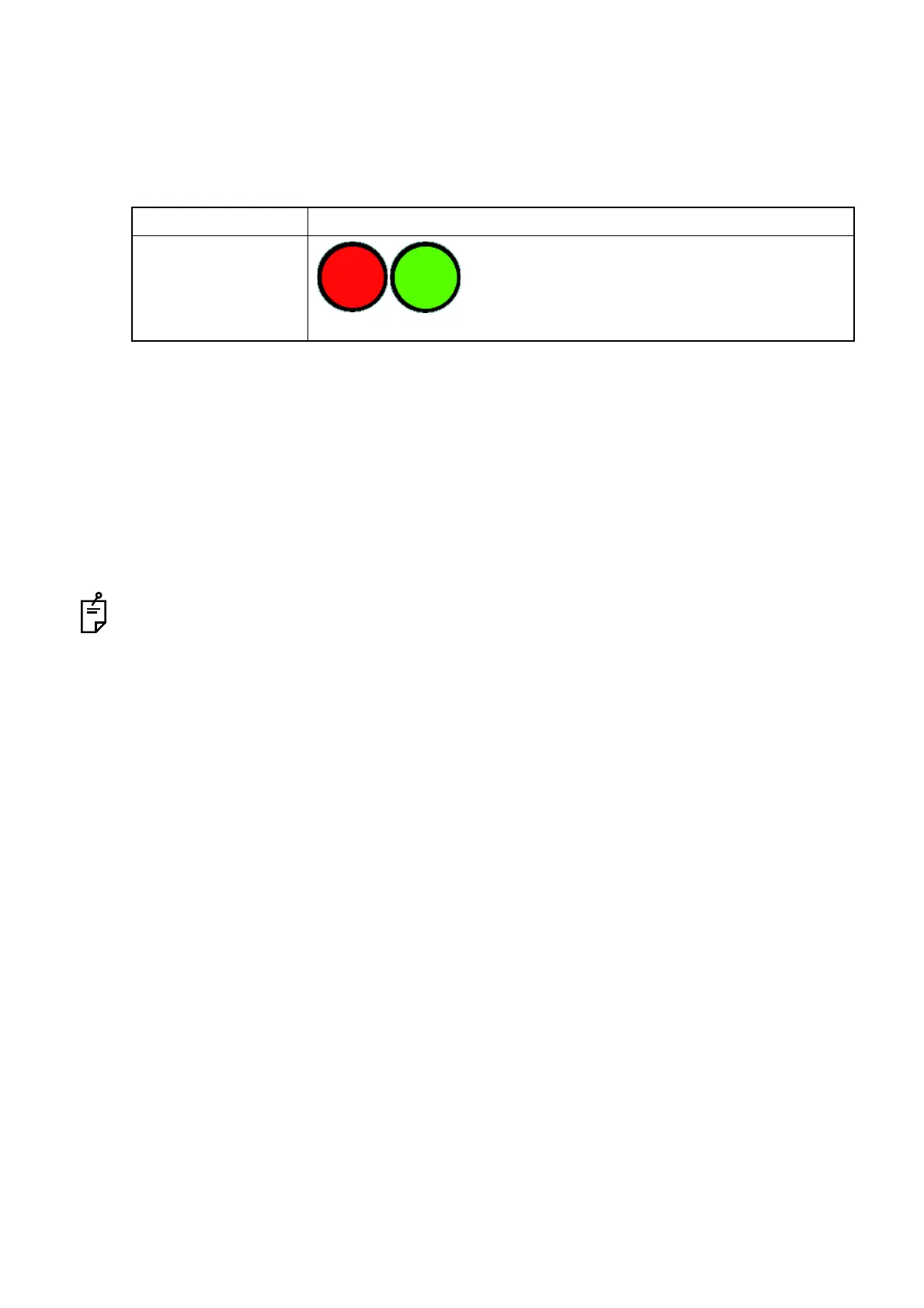
Set the red and green lenses on the instrument, which are the auxiliary lenses, to the right and left eyes
respectively and then perform the test.
1 Check if the patient has heterophoria.
When the patient sees the test chart through the R/G auxiliary lenses, only the vertical lines are
seen with the right eye and only the horizontal lines, with the left eye.
2 Touch the [Prism Simulate] button among the function buttons on the screen to perform the
active chart test.
3 Adjust the patient's vision according to "Dial Navigation" (*when operating through mouse/per-
sonal computer: mouse navigation) until the vertical line crosses the horizontal line at the center
on the cross chart when he/she sees the chart.
The measured value of this test is not always the same as that of "PHORIA TEST (POL. CROSS)
(NORMAL)".
The reason is that fusion stimulus is different between "PHORIA TEST (POL. CROSS) (NOR-
MAL)" and "PHORIA TEST (POL. CROSS) (ACTIVE CHART)". Use "PHORIA TEST (POL.
CROSS) (ACTIVE CHART)" for screening and explanation.
Item Description
Auxiliary lens
The red lens is set to the right eye and the green
lens, to the left eye.
(The left illustrations are the status as seen from
the operator side as shown on the CV-5000 soft-
ware screen.)



 To Next Page