41
Using the TV’s features (General)
Preference Control
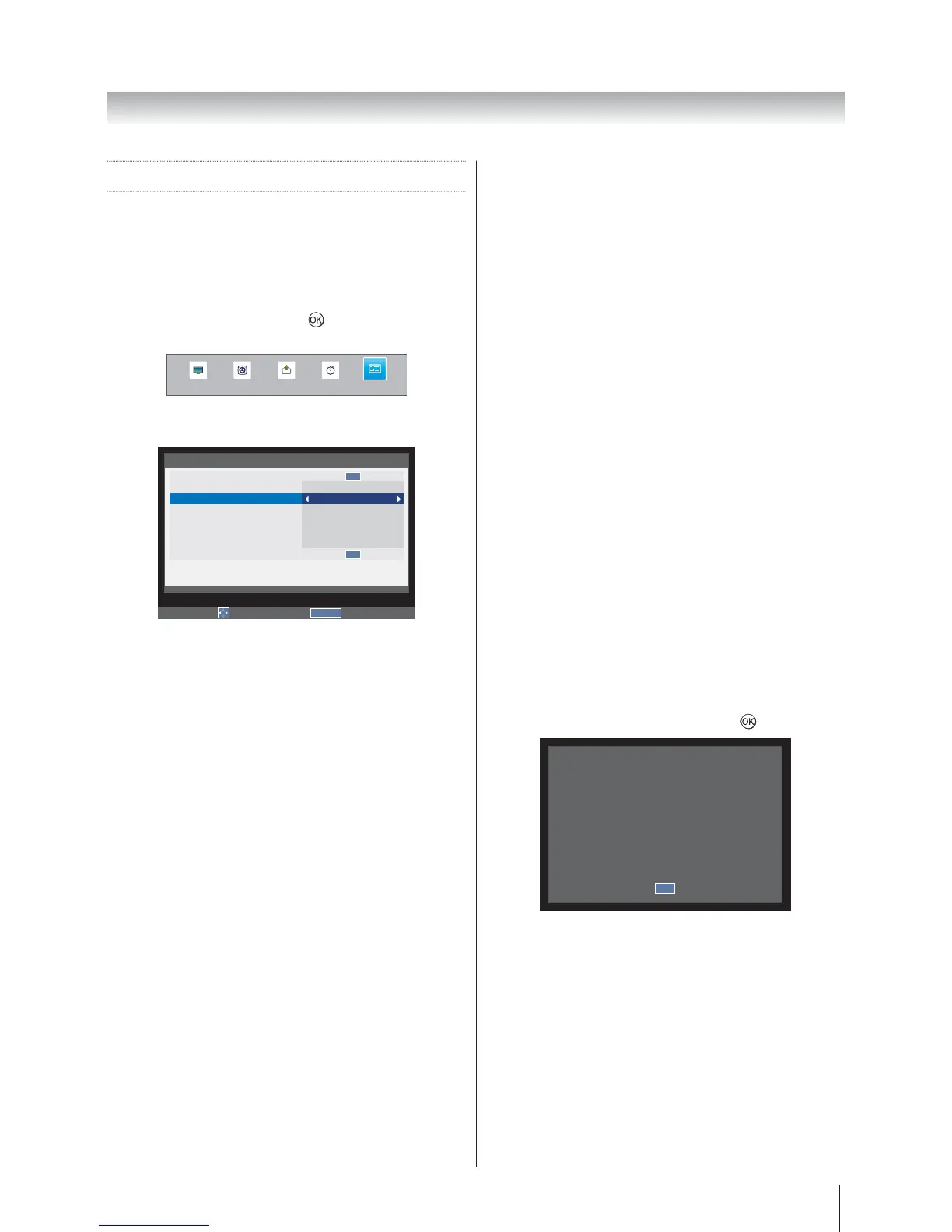
Panel Lock
Panel Lock disables the buttons on the television. All
buttons on the remote control can still be used.
1. Press MENU
PREFERENCES and press
to enter the
submenu.
SOUND APPLICATIONS
PREFERENCES
PICTURE SETUP
2. Panel Lock
On or Off.
RETURN
Back
Edit
PREFERENCES
HDMI CEC Control
Teletext
Panel Lock
Auto Format
4:3 Stretch
Blue Screen
Side Panel
DivX Registration
DivX Deregistration
Auto
Off
On
Off
On
1
OK
OK
When Panel Lock is On, a reminder will appear when
the buttons on the television are pressed. If the standby
button is pressed the television will switch off and can
only be brought out of standby by using the remote
control.
Auto Format (Widescreen)
When this television receives a true Widescreen picture
and Auto format is On, it will automatically be displayed
in Widescreen format, irrespective of the television’s
previous setting.
1. In the PREFERENCES
select Auto Format.
2. On or Off.
4:3 Stretch
When 4:3 Stretch is activated, this function will switch 4:3
format programmes into a full screen picture.
1. In the PREFERENCES
select 4:3 Stretch.
2. On or Off.
Note: In HDMI signal format, this function is available.
Blue Screen
When Blue Screen is selected, the screen will turn blue
when no signal is received.
1. In the PREFERENCES
select Blue Screen.
2. On or Off.
Note: This function is not available in DTV mode.
Side Panel
The Side Panel feature lightens or darkens the band
each side of the screen when in 4:3 or 14:9 format.
This helps prevent image retention of the band and can
also make viewing in bright or dark conditions more
comfortable.
1. In the PREFERENCES
select Side Panel.
2.
DivX Registration
View the registration code that is required to play video
files that are compatible with the DivX
®
VOD (Video
On Demand) service on the TV. DivX
®
VOD is a video
delivery service that lets you rent or purchase video
content recorded in DivX
®
format. To play video files
that are compatible with the DivX
®
VOD service, the TV
needs to be registered as a DivX
®
player.
1. In the PREFERENCES
select DivX Registration and press
.
You must register your device to
play DivX® protected videos.
Registration code:
XXXXXXXXXX
Register at
http://vod.divx.com
OK








 To Next Page