Page 9
1.6 Mid-range printer: B-852
1. Press the [PAUSE] and [FEED] key until <1>DIAG is shown on the display.
2. Press the [PAUSE] key once; PRT TYPE TRANSFR is now displayed. Check the
print settings and confirm by pressing on the [PAUSE] key. Confirm by pressing
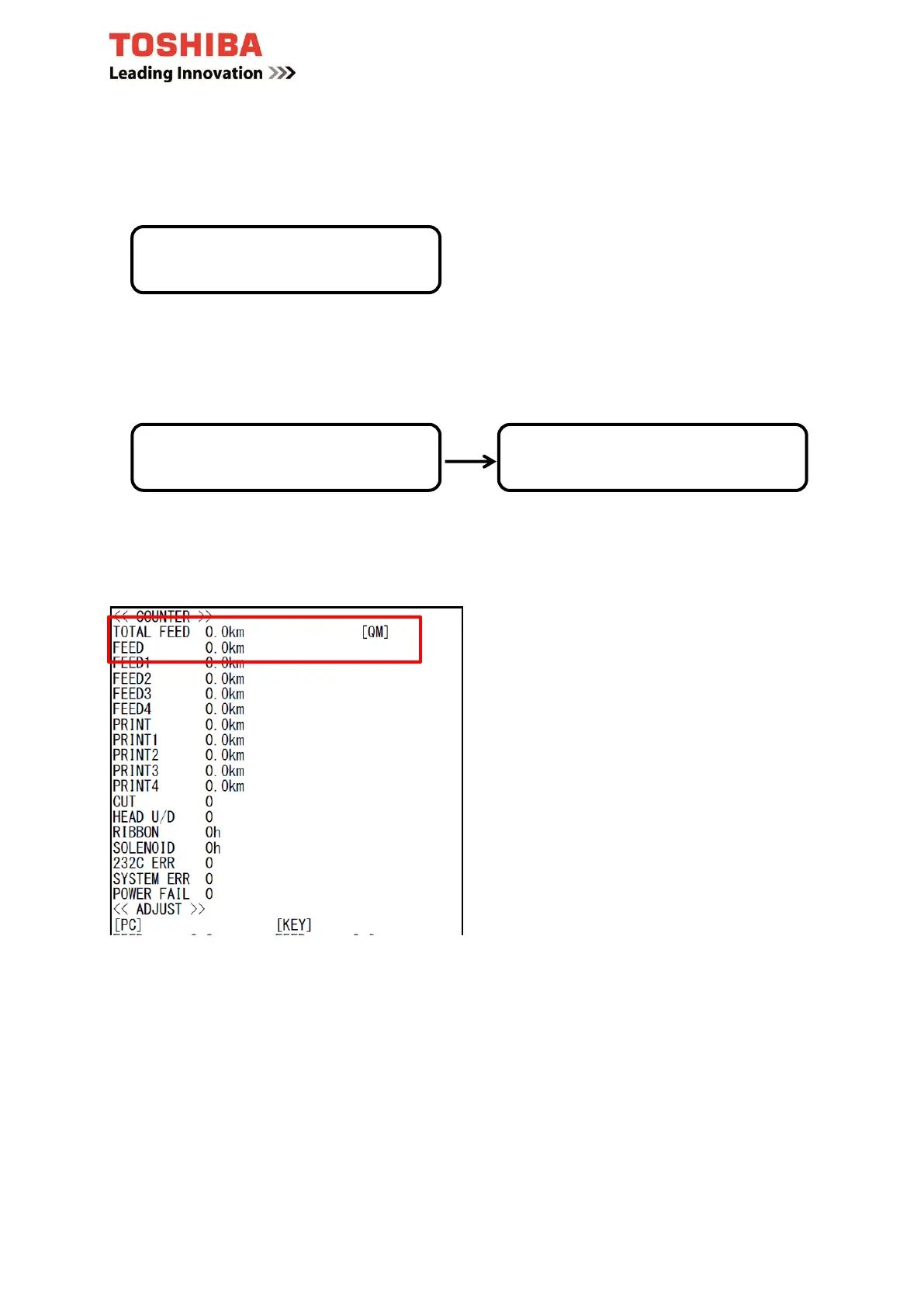
the [PAUSE] key again as soon as MAINTENANCE CONT is displayed.
The counter reading is now printed out.
Once printing is complete, turn off the device and then on again.
<1>DIAG.
PRT TYPE TRANSFR
<1>DIAG.
MAINTENANCE CONT



 To Next Page
 Loading...











