2. MAJOR UNIT REPLACEMENT
EO18-33032
(Revision date: Aug., 2017)
2.4 Replacing the Stepping Motor
2-13
2.4 Replacing the Stepping Motor
1) Remove the Function Unit (Refer to Section 2.1 Replacing the CPU PC Board.)
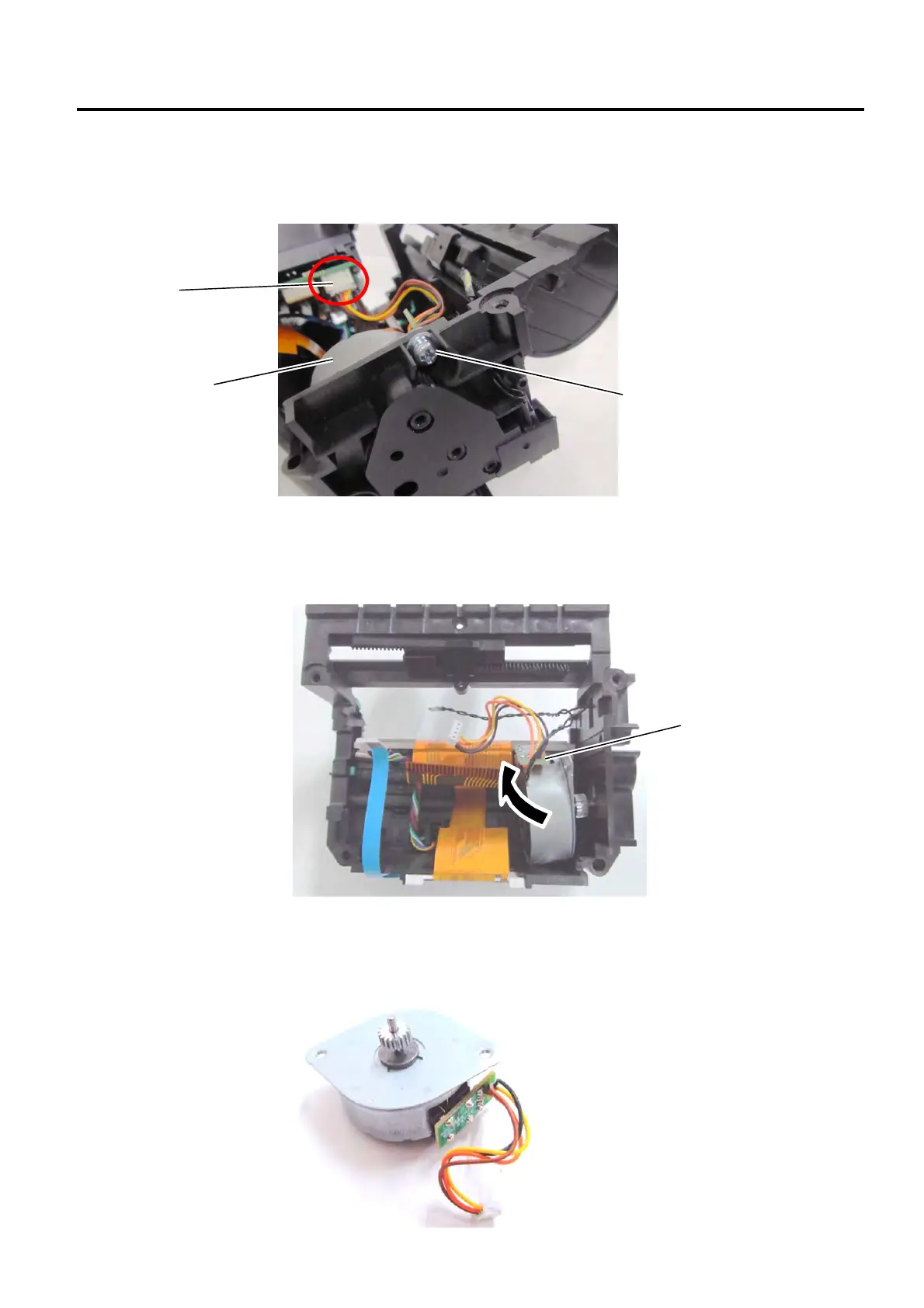
2) Remove the screw and disconnect the Connector from the CPU PC Board.
3) Remove the Stepping Motor.
4) Replace the Stepping Motor with a new one, then perform reassembly in the reverse order of removal.
For the GH model, attach a new adhesive tape after re-installing the Thermal head assembly. (Refer to
Section 2.1.)
Stepping Motor
SMW-3x8 Screw
Stepping Motor
Connector


 To Next Page
 Loading...








