EasyManua.ls Logo

Toshiba BMS-CT1280E - User Manual

Toshiba BMS-CT1280E
82 pages
Print Icon
To Next Page IconTo Next Page
Loading...
Model Name
BMS-CT1280E
BMS-CT1280E-TR
Owner's Manual
Air Conditioning Control System
Thank you for purchasing this air conditioning control system.
In order to use this product safely and correctly, please read this operation manual carefully before use and
make sure that you fully understand the contents.
In particular, please be sure to read the "Safety Precautions".
After reading this manual, be sure to keep it in a place where the operator of the Unit can always view it.
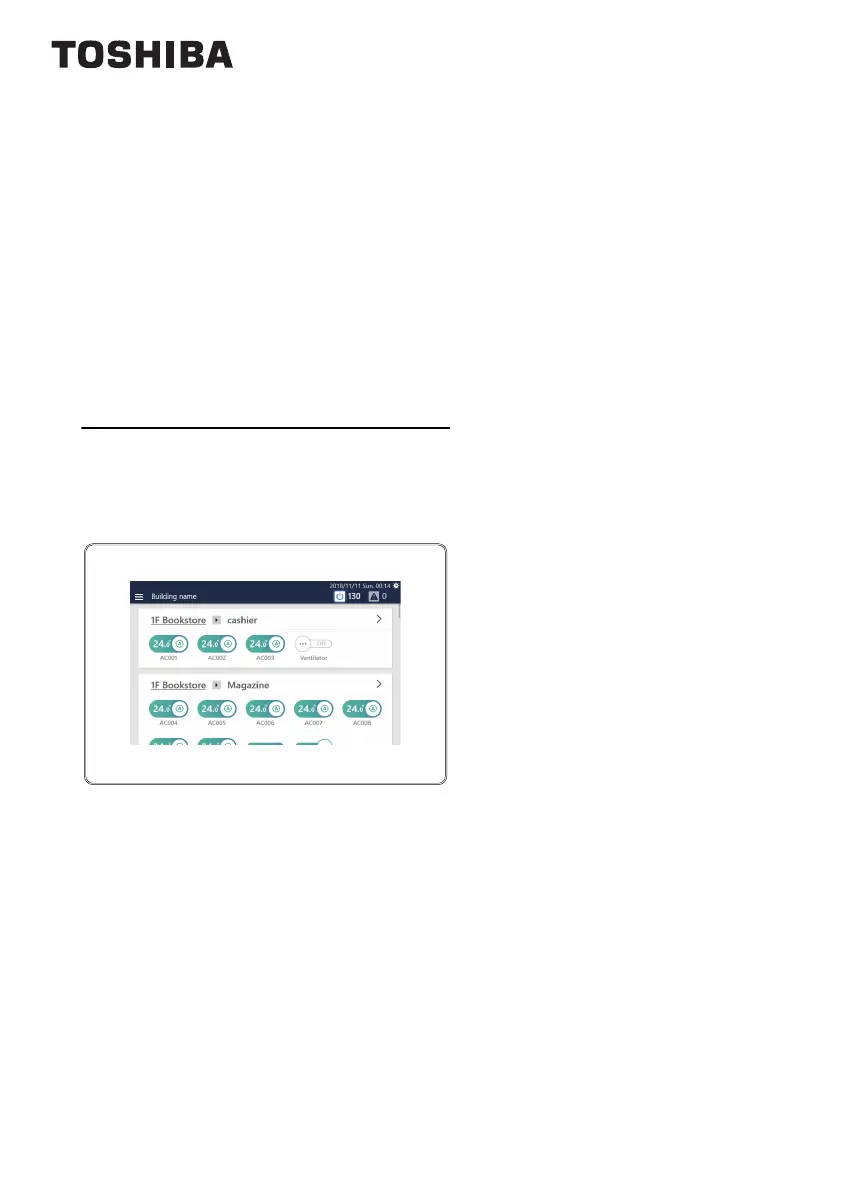
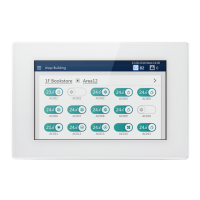
Touch Screen Controller

Table of Contents

Other manuals for Toshiba BMS-CT1280E

Questions and Answers

  • D
    Donna TuckerAug 16, 2025
    Why I cannot start the Remote Control Software for Toshiba Controller?
    • D
      David ColemanAug 17, 2025
      If you're unable to start the Remote Control Software for your Toshiba Controller: * Download and install .Net Framework 4.6.2 from the software's download website. * Ensure the PC and the Controller's LAN are properly connected. Check the LAN cable connection and network settings. * Verify that the IP address entered during installation is the IP address of the controller main unit, not the PC's IP address. If incorrect, uninstall the application, delete the install destination directory and shortcuts, then reinstall. * Confirm that your PC is running Windows 8.1 or 10, as other operating systems may not be supported.
  • C
    Carrie ChungAug 19, 2025
    Why I cannot log in to the Remote Control Software of Toshiba BMS-CT1280E?
    • S
      Stephanie SmallAug 19, 2025
      If you're having trouble logging into the Remote Control Software for the Toshiba Controller: * Ensure that you are not already logged in from another PC, as each user can only be logged in from one PC at a time. * Select a display style other than classic style. You can change the display style from [Start] - [Control Panel] - [Appearance and Personalization] - [Change the theme]. This software supports Windows 8.1 and 10.
  • C
    Charles CardenasAug 22, 2025
    How to turn off Toshiba BMS-CT1280E Controller?
    • C
      Cheryl WardAug 22, 2025
      To power down the Toshiba Controller, either remove the AC adapter or turn off the circuit breaker.
  • J
    jesse74Aug 25, 2025
    What to do if Toshiba Controller operated air conditioner does not run?
    • T
      Travis HooperAug 26, 2025
      If the air conditioner isn't running when operated via the Toshiba Controller: * Try operating another air conditioner to see if the issue is with the specific unit. * Ensure no alarms are active; if so, turn off the alarm. * Be aware that if the air conditioner was subsequently stopped using the local remote control or its schedule, that action overrides the Controller's operation. Similarly, stopping it with the PC app "Remote Control Software" will also override the Controller.
  • E
    emily92Aug 27, 2025
    Why does Toshiba BMS-CT1280E Controller air conditioner settings change arbitrarily?
    • K
      Kendra JacksonAug 27, 2025
      The air conditioner settings might change unexpectedly on your Toshiba Controller because: * If the air conditioner is subsequently stopped using the local remote control or its schedule, that action overrides the Controller's operation. * If stop, etc. is set by an external input signal using the external interlocking function, the air conditioner stops automatically when a signal is input. * If the air conditioner is subsequently stopped using the PC app "Remote Control Software", that action overrides the Controller's operation.
  • M
    michele21Aug 30, 2025
    What to do if Toshiba BMS-CT1280E air conditioner doesn't cool or heat?
    • M
      Mary GibbsAug 30, 2025
      If your Toshiba Controller air conditioner is not cooling or heating effectively, it might be due to: * Demand control: This feature reduces power consumption, which can slow down the time it takes to reach the set temperature. * Forced thermo OFF: This control stops the outdoor unit's operation, causing the indoor unit to function only as a fan. * Power saving: This feature also reduces the outdoor unit's capability, potentially increasing the time needed to achieve the desired temperature.
  • J
    John HamiltonSep 2, 2025
    How to reboot Toshiba Controller?
    • C
      Chad GarnerSep 2, 2025
      To reboot the Toshiba Controller, go to [Menu] - [Functions] - [System reboot].
  • N
    Nicole LopezSep 4, 2025
    What to do if Toshiba Controller LCD does not display?
    • M
      Michael TerrySep 4, 2025
      If the LCD on your Toshiba Controller isn't displaying anything: * Check that the power is on by verifying that the breaker is not off. Look for a green LED at the lower rear of the main unit and on the AC adapter to confirm power is being supplied. * Ensure the power outlet and AC adapter are properly connected. Again, check for the green LEDs on the main unit and AC adapter to confirm power.
  • R
    Rachel CallahanSep 7, 2025
    What to do if Toshiba Controller schedule does not work?
    • J
      John MorrisSep 7, 2025
      If the schedule on your Toshiba Controller isn't working, first confirm the Scheduler Operation settings. You can also operate another air conditioner and check if the actual air conditioner operates.
  • M
    Mrs. Jennifer McdonaldSep 10, 2025
    Why Toshiba Controller LCD does not turn off?
    • D
      Daniel JonesSep 10, 2025
      The LCD on the Toshiba Controller will remain on if an alarm is active. To turn it off, you need to turn off the alarm.

Toshiba BMS-CT1280E Specifications

General IconGeneral
BrandToshiba
ModelBMS-CT1280E
CategoryController
LanguageEnglish

Related product manuals