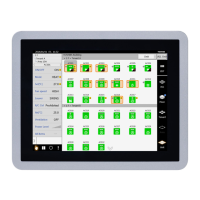
Touch Screen Controller Owner's Manual
45-
EN
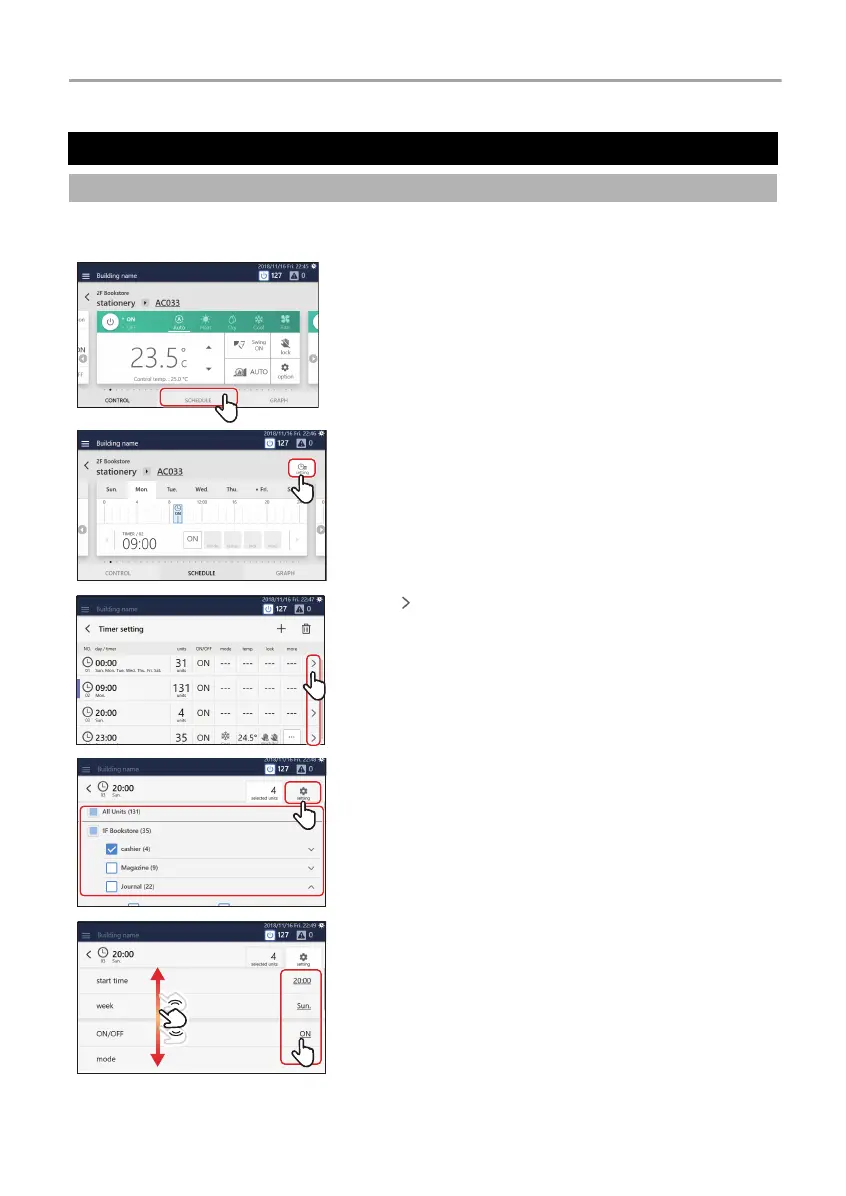
Schedule settings can be applied from either the group screen or the individual control screen. In the following procedure, the
individual control screen is used.
Change the Operation Schedule
Set the details of the operation schedule
1 Tap [1-(1)] on the group screen or individual control
screen
2 Tap [2-(1)]
3 Tap of the schedule you want to change
4 Change the target air conditioner(s) or ON/OFF unit as
necessary, then tap [
4-(1)]
5 Scroll the screen and tap the value of the item you want to
set
1
-(1)

 To Next Page
 Loading...