1 Overview
16 Accessing TopAccess End-User Mode
Accessing TopAccess by entering URL
1
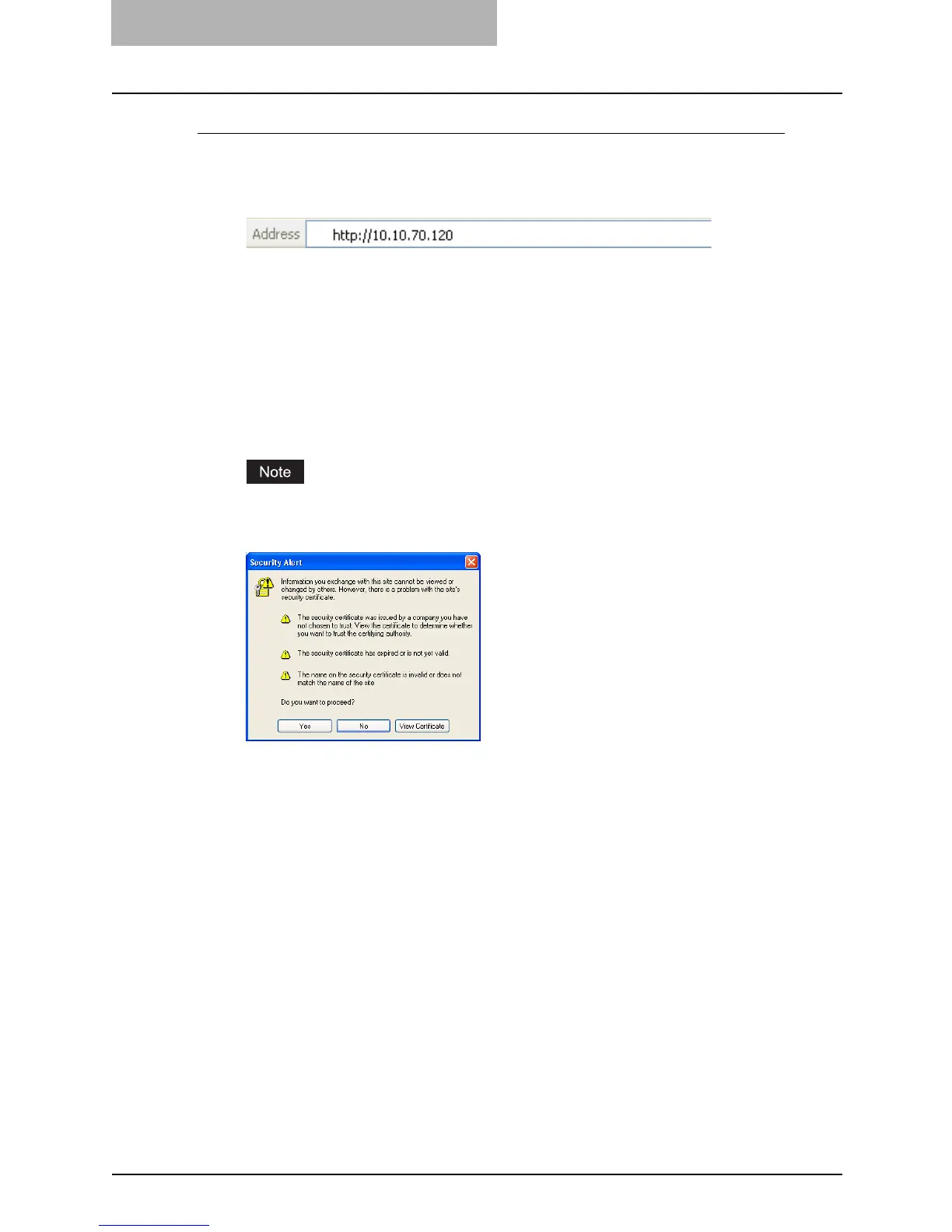
To navigate to TopAccess, enter the following URL on the address
box of your Internet browser.
http://<IP Address> or http://<Device Name>
For example
When the IP address of the equipment is “10.10.70.105” (when IPv4 used):
http://10.10.70.105
When the IP address of the equipment is “3ffe:1:1:10:280:91ff:fe4c:4f54” (when IPv6
used):
3ffe-1-1-10-280-91ff-fe4c-4f54.ipv6-literal.net
or
http://[3ffe:1:1:10:280:91ff:fe4c:4f54]
When the device name of this equipment is “mfp-00c67861”:
http://mfp-00c67861
When SSL for the HTTP network service is enabled, the alert message may appear
when you enter the URL in the address box. In that case, please click [Yes] to proceed
the operation.



 To Next Page
 Loading...







