Managing Templates 89
Resetting Private Templates
Users can reset the private template.
Resetting the private template
1
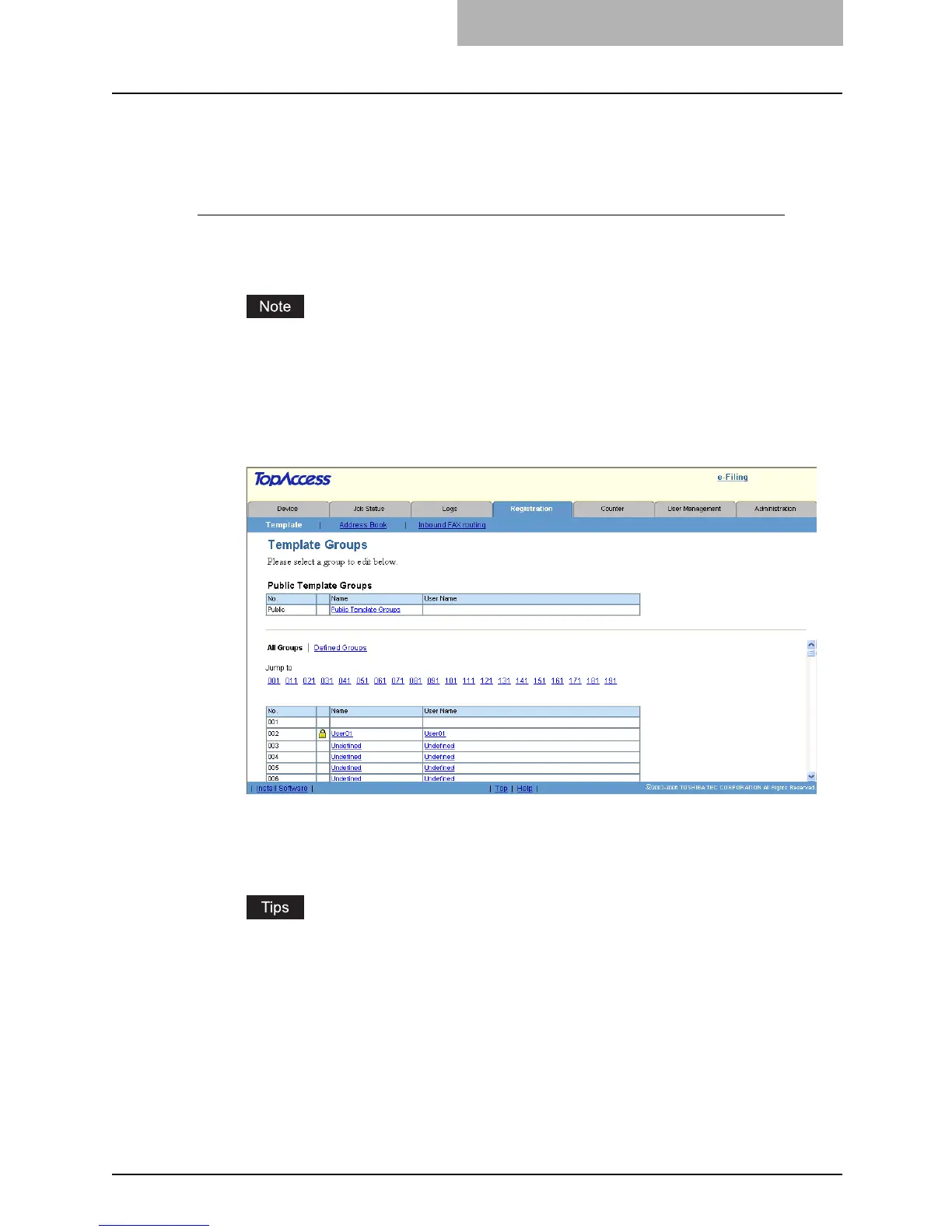
Click the Registration tab and the Template menu.
y The Template menu page is displayed.
When the User Management Setting and Role Based Access Control are enabled, the
login page will be displayed. When the Role Based Access Control is enabled, only
users that has the privilege to operate the registration can login to the Registration tab
page.
2
Click the group name link that contains the private template that
you want to reset.
y If you select the private template group that is not protected by a password, the Pri-
vate Templates page is displayed. Skip to step 4.
y If you select the private template group that is protected by a password, the Input
Group Password page is displayed. Go to the next step.
y You can display only defined private template groups by clicking on the “Defined
Groups” link. The page displays all 200 private template groups as default page view.
y If you know which private template group you want to define or edit, click the number
of the private template group in the “Jump to” links.



 To Next Page
 Loading...







