Managing Department Code 261
Managing Department Code
In the Department menu page at the Counters tab, an administrator can:
y Display the department list that contains the counter information for each department
y Display the department counter of a specific department
y Clear all department counters
y Clear the department counter of a specific department
y Register new department code settings
y Modify the department code settings
y Delete all department codes
y Delete a department code
To do this, you must know the administrator password.
y There is “Undefined” department group that is registered as the default. This department
group is used to count the Invalid jobs. You can view the counter of this department group,
but cannot modify or delete this default department group.
y The department management function does not support Web Services Scan.
Web Services Scan jobs performed while the department management is being enabled are
always counted as an “Undefined” Department Name.
You can also manage the department code in the Department Management submenu page that
can be displayed by clicking the User Management tab and Department Management submenu
in the User Confirm/Create/Modify menu page.
Displaying the Department List and Counters
An administrator can display the department list registered in this equipment and the counter
information for each department code.
Displaying the departments list
1
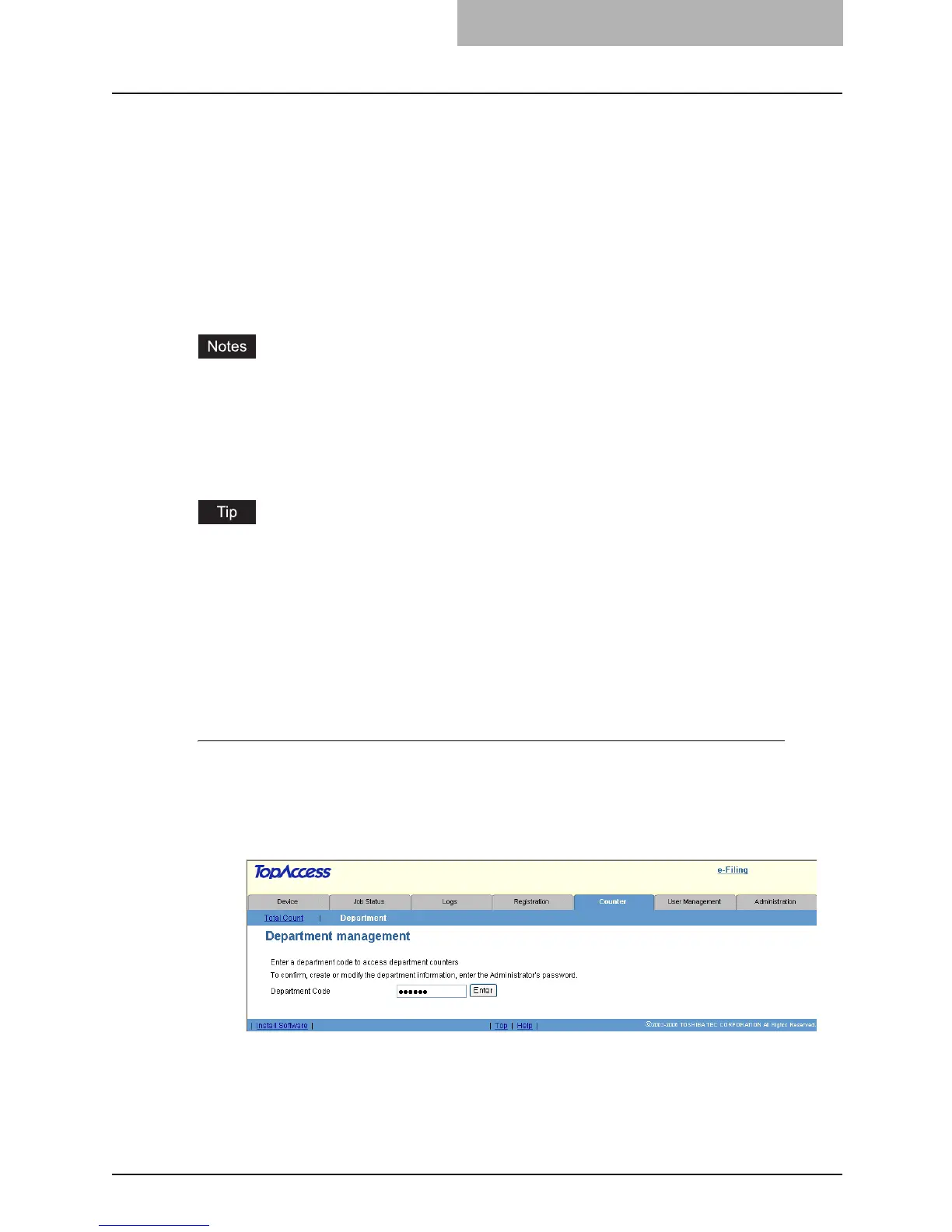
Click the Counters tab and the Department menu.
y The Department menu page is displayed.
2
Enter the administrator password in the “Department Code” field
and click [Enter].
y The Department Management page is displayed.



 To Next Page
 Loading...







