7 TopAccess Administrator Mode
214 Maintaining from TopAccess
Managing Directory Service
You can use TopAccess to register the Directory Service properties of the LDAP (Lightweight
Directory Access Protocol) server and add a new directory service that allows users to search
for Email addresses in the LDAP server.
Setting up the directory service
1
Access TopAccess in the administrator mode.
P.122 “Accessing TopAccess Administrator Mode”
2
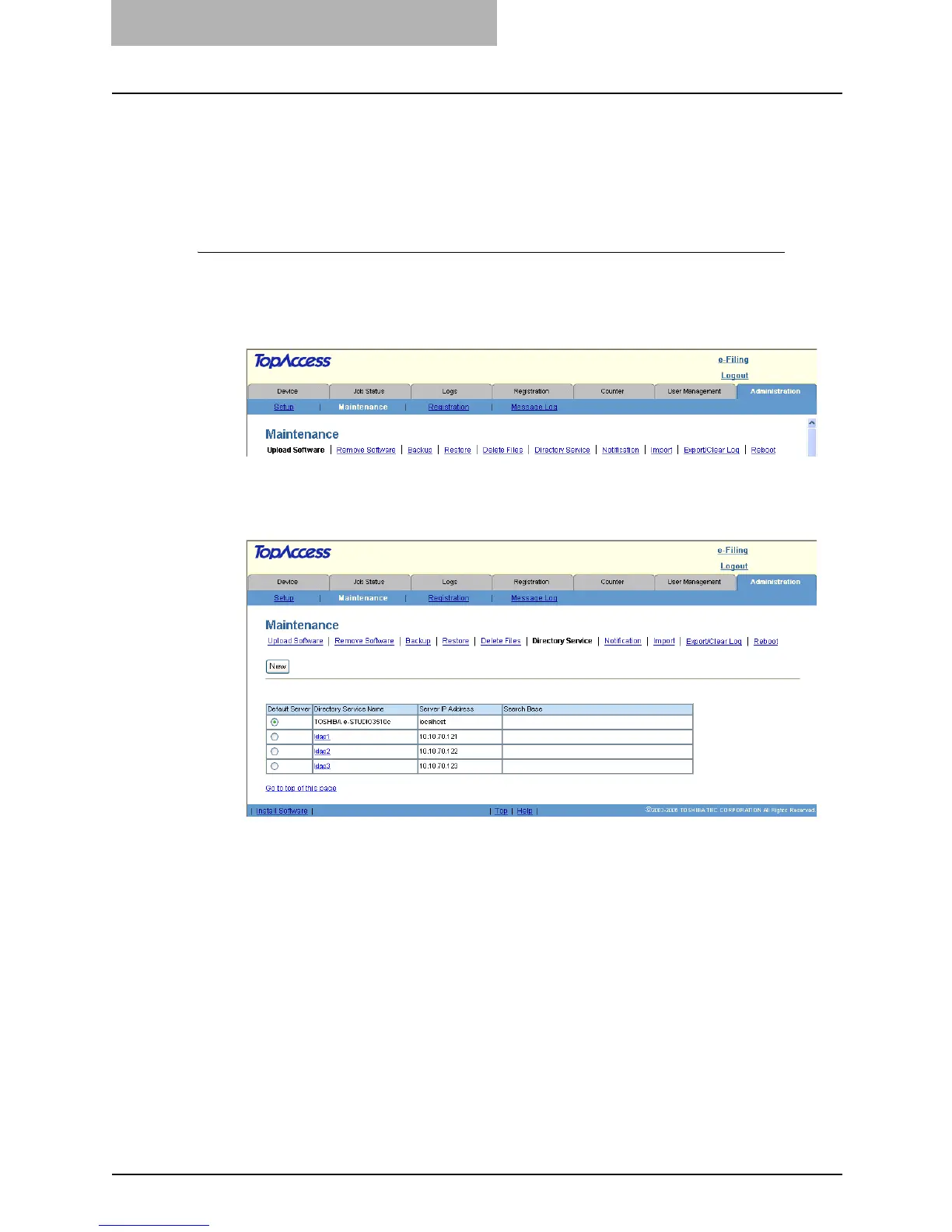
Click the Maintenance menu and Directory Service submenu.
y The Directory Service submenu page is displayed.
3
Click [New] to add a new Directory Service, or click the Directory
Service name link to edit the Directory Service properties.
y The Directory Service Properties page is displayed.



 To Next Page
 Loading...







