Maintaining from TopAccess 207
3
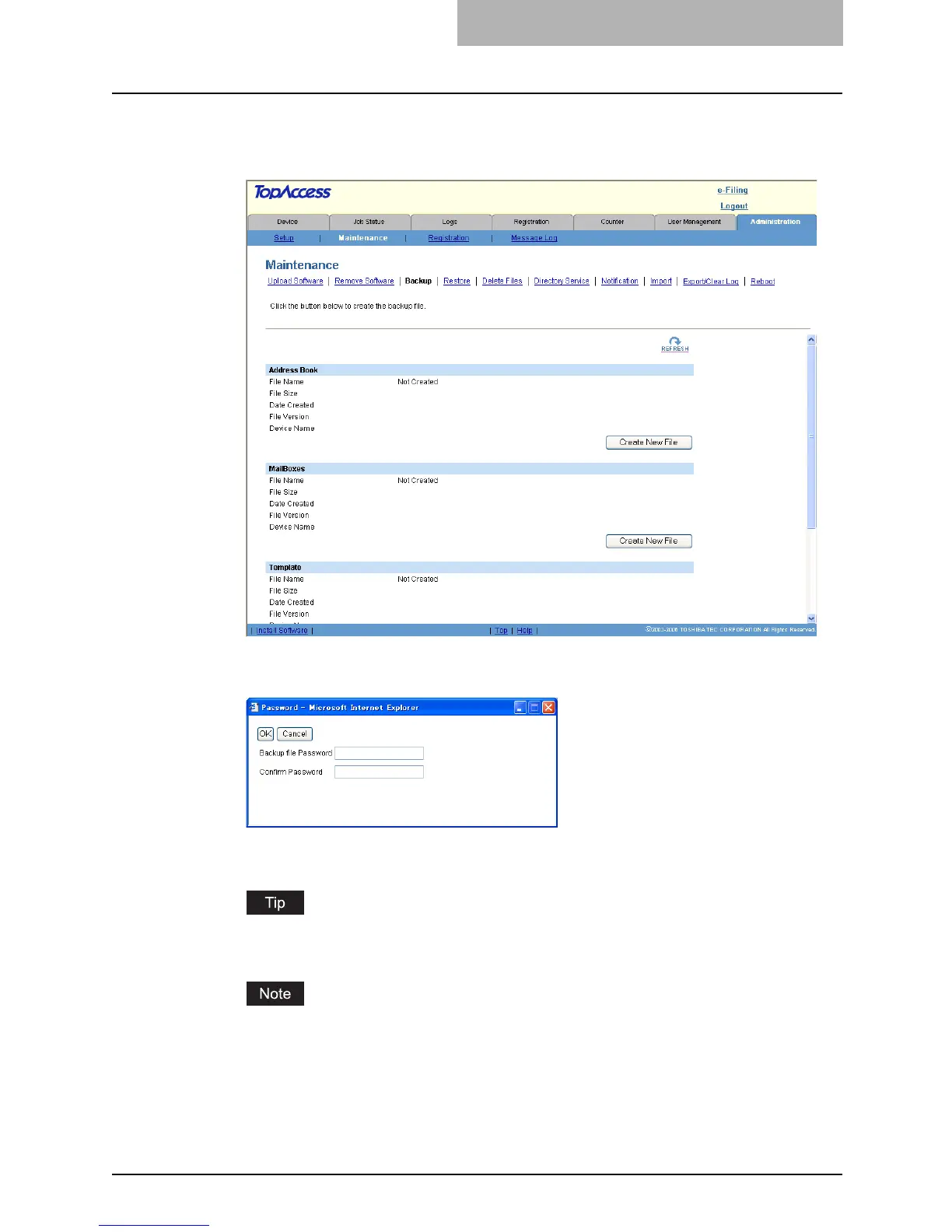
Click [Create New File] for the data that you want to backup, or click
[Create New File] in the “Combined Backup” section to create a
backup file of all data.
y The Password dialog box appears.
4
Enter the password of the backup file.
y The backup file will be created and the backup file name and file size will be dis-
played.
The passwords must be entered in one-byte alphanumeric characters. The minimum and
maximum numbers of characters allowed are 1 and 9.
Creating the backup file may takes a few minutes depending on the file size.



 To Next Page
 Loading...







