7 TopAccess Administrator Mode
238 Registering from TopAccess
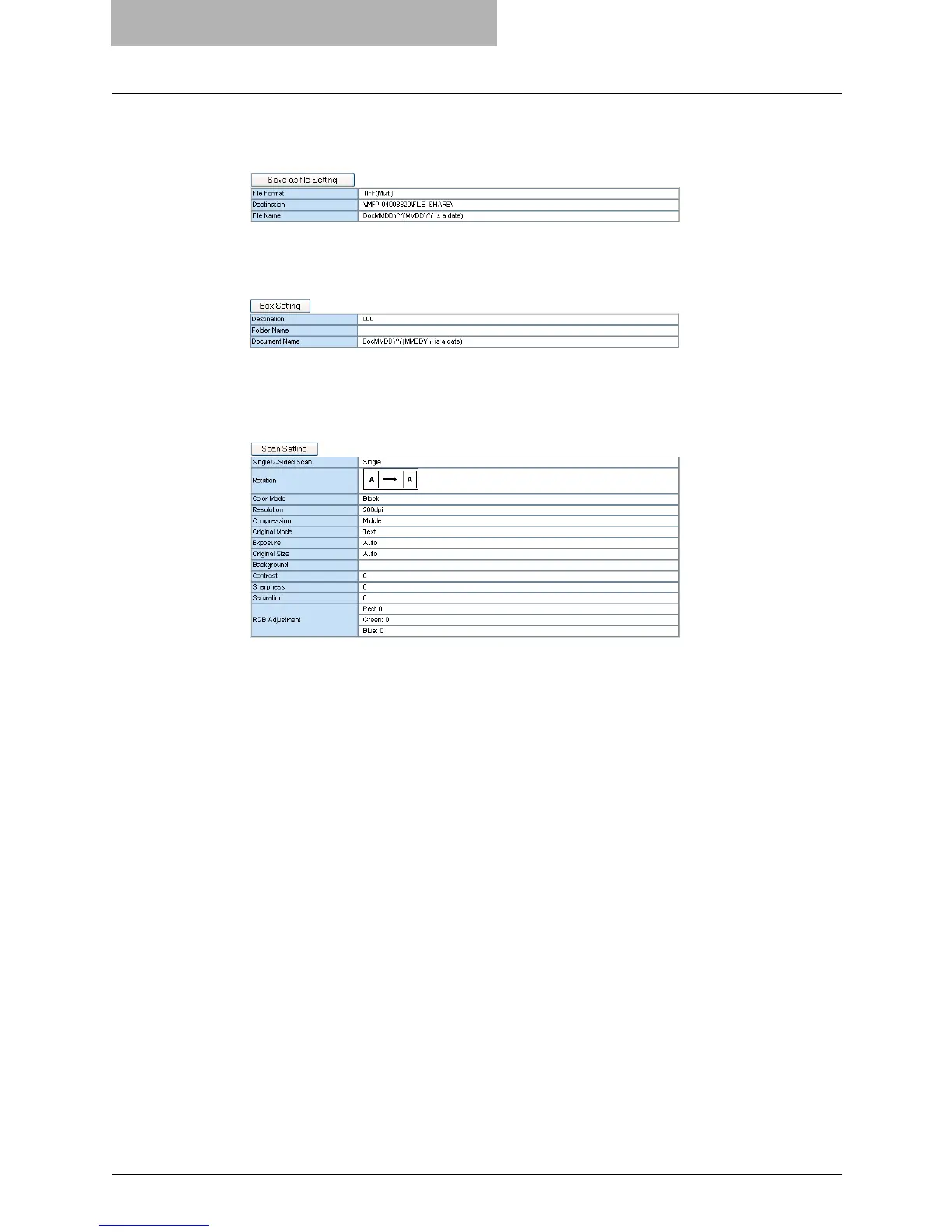
[Save as file Setting] — Click this to specify how the document will be stored in local
hard disk or network folder. This can be set only when creating the Save as file agent.
P.239 “Save as file Setting (Public Template)”
[Box Setting] — Click this to specify how the document will be stored in the Box. This
can be set only when creating the Store to e-Filing agent.
P.239 “Box Setting (Public Template)”
[Scan Setting] — Click this to specify how the document will be scanned. This can be
set only when creating the Save as file agent, Email agent, and Store to e-Filing agent.
This cannot be set when combining the Fax/Internet Fax agent.
P.240 “Scan Setting (Public Template)”
7
After configuring the desired template properties, click [Save].
y The template properties are registered.
— Panel Setting (Public Template)
In the Panel Setting page, specify how the icon for the template is displayed in the Touch Panel
Display, and the notification settings for the template.
The instructions on how to setting up the Panel settings for the public template is same as set-
ting up the Panel settings for the private template.
P.63 “Panel Setting (Private Template)”



 To Next Page
 Loading...







