Setting up User Management 273
4
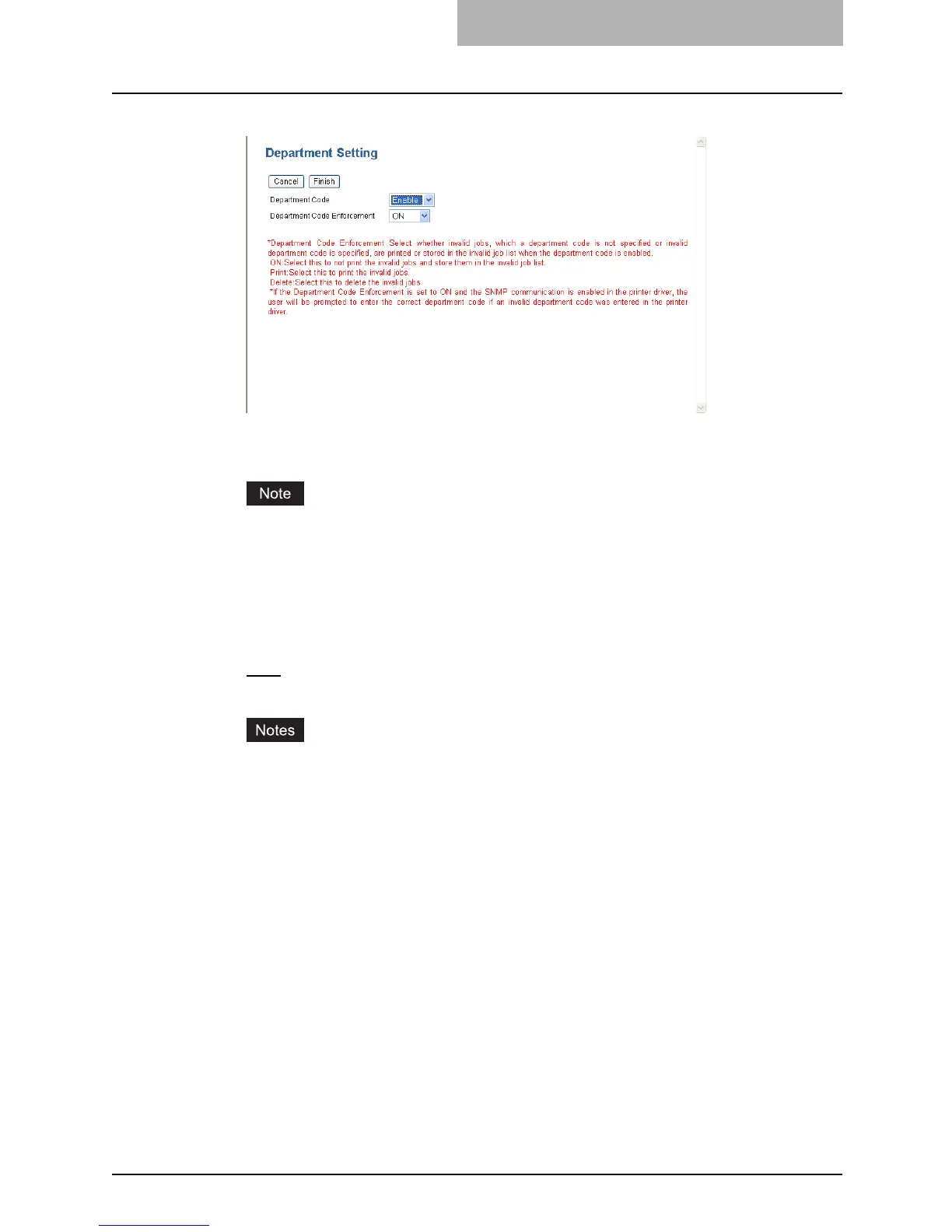
Specify the following items and click [Finish].
y Department Code
Select whether the department management is enabled or disabled.
When the User Management Setting is enabled, the Department Code option cannot be
disabled.
y Department Code Enforcement
Select whether invalid jobs, which a department code is not specified or invalid
department code is specified, are printed or stored in the invalid job list when the
department code is enabled.
ON — Select this to not print the invalid jobs and store them in the invalid job list.
Print
— Select this to print the invalid jobs.
Delete — Select this to delete the invalid jobs without storing them in the invalid job list.
y If the Department Code Enforcement is set to ON and the SNMP communication is
enabled in the printer driver, the user will be prompted to enter the correct department
code if an invalid department code was entered in the printer driver.
y The Department Code Enforcement setting is not applied when the User Manage-
ment Setting is enabled.



 To Next Page
 Loading...







