Function
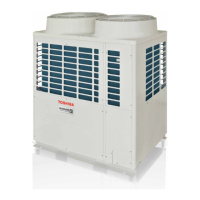
Fan Operation Check in Outdoor Unit
This function is provided to check the fan operation of the outdoor unit by using switches on the interface P.C. board
in the outdoor unit. The frequency of the fan speed can be controlled by setting of the switches. Use this function to
check the operation or abnormal sound in the fan system. And, use this function while the system is stopped.
NOTE) Do not use this function during operation of the compressor. It may damage the compressor.
[Operation]
(1) Set the switches SW01/SW02/SW03 on the interface P.C. board of the outdoor unit to [2/1/4].
(2) When [F. d] is displayed in 7-segment display [A], keep pushing the switch SW04 for 2 seconds or more.
(3) When [ 63 ] is displayed in 7-segment display [B], the fan starts operation. (Max. mode operation)
(4) After that, by changing the setup number of the switches SW02 and SW03, 7-segment display [B] and the fan
mode are changed.
(Mode output pattern of the fan is as follows.)
[Clear]
This function is cleared by one of the following operations.
(1) When SW01 setting number was changed to other number.
(2) Push-switch SW05 was push for 2 seconds or more.
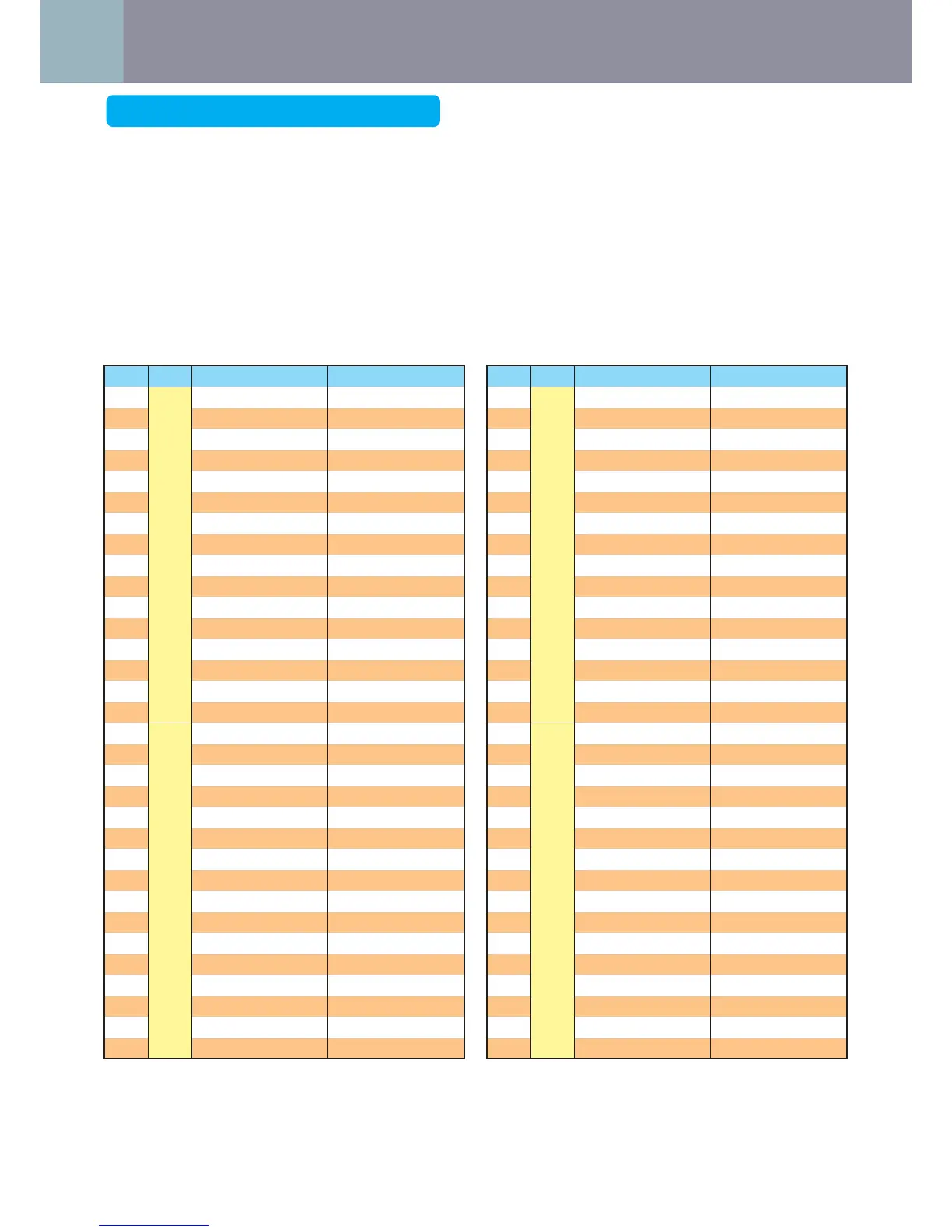
SW02 SW03 7-segment display [B] Fan mode
1
4
[ 63 ] 63
2 [ 62 ] 62
3 [ 61 ] 61
4 [ 60 ] 60
5 [ 59 ] 59
6 [ 58 ] 58
7 [ 57 ] 57
8 [ 56 ] 56
9 [ 55 ] 55
10 [ 54 ] 54
11 [ 53 ] 53
12 [ 52 ] 52
13 [ 51 ] 51
14 [ 50 ] 50
15 [ 49 ] 49
16 [ 48 ] 48
1
5
[ 47 ] 47
2 [ 46 ] 46
3 [ 45 ] 45
4 [ 44 ] 44
5 [ 43 ] 43
6 [ 42 ] 42
7 [ 41 ] 41
8 [ 40 ] 40
9 [ 39 ] 39
10 [ 38 ] 38
11 [ 37 ] 37
12 [ 36 ] 36
13 [ 35 ] 35
14 [ 34 ] 34
15 [ 33 ] 33
16 [ 3
2 ] 32
SW02 SW03 7-segment display [B] Fan mode
1
6
[ 31 ] 31
2 [ 30 ] 30
3 [ 29 ] 29
4 [ 28 ] 28
5 [ 27 ] 27
6 [ 26 ] 26
7 [ 25 ] 25
8 [ 24 ] 24
9 [ 23 ] 23
10 [ 22 ] 22
11 [ 21 ] 21
12 [ 20 ] 20
13 [ 19 ] 19
14 [ 18 ] 18
15 [ 17 ] 17
16 [ 16 ] 16
1
7
[ 15 ] 15
2 [ 14 ] 14
3 [ 13 ] 13
4 [ 12 ] 12
5 [ 11 ] 11
6 [ 10 ] 10
7 [ 9 ] 9
8 [ 8 ] 8
9 [ 7 ] 7
10 [ 6 ] 6
11 [ 5 ] 5
12 [ 4 ] 4
13 [ 3 ] 3
14 [ 2 ] 2
15 [ 1 ] 1
16 [
0 ] 0
<Check Code Clearing Function>




 To Next Page