Installing the Wireless BT Option 41
PolyVision
®
note:NOTE:
It may require some force to remove the cover. Use both hands but do NOT
pry the cover or use any tools, as you may scratch the whiteboard or cover.
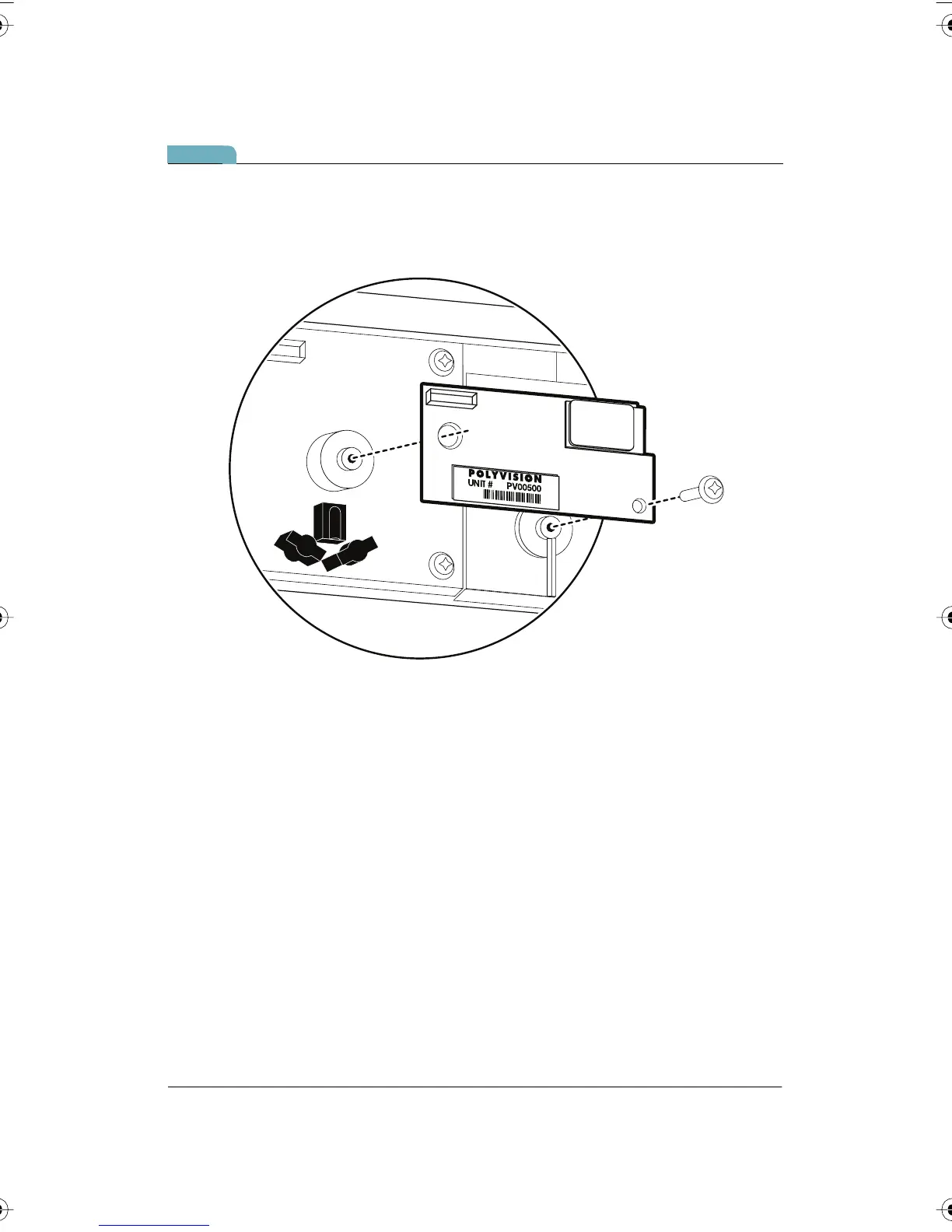
5 Position the WT Bluetooth adapter over the plastic boss and screw
hole, as shown below.
6 Secure the WT Bluetooth adapter using the screw provided.
PolyVision I&O.book Page 41 Thursday, October 16, 2008 4:18 PM



 To Next Page