9
Web Smart Gigabit Switch Family User's Guide
TL-SG2216WEB/TL-SG2224WEB
normally.
3) 1000Mbps LED: When a GIGA port is connected to a 1000Mbps device,
the corresponding LED turns on in solid green; when the port is connected
to a 10/100Mbps device, the LED turns off.
4) Link/Act LED: Will be solid green when a valid link is established on the
port; Flashes green when packet transmission or reception is occurring on
the port.
5) FAN LED: FAN1 indicates the right fan, FAN2 indicates the left fan, and
they will be solid green when the corresponding fan is operating normally.
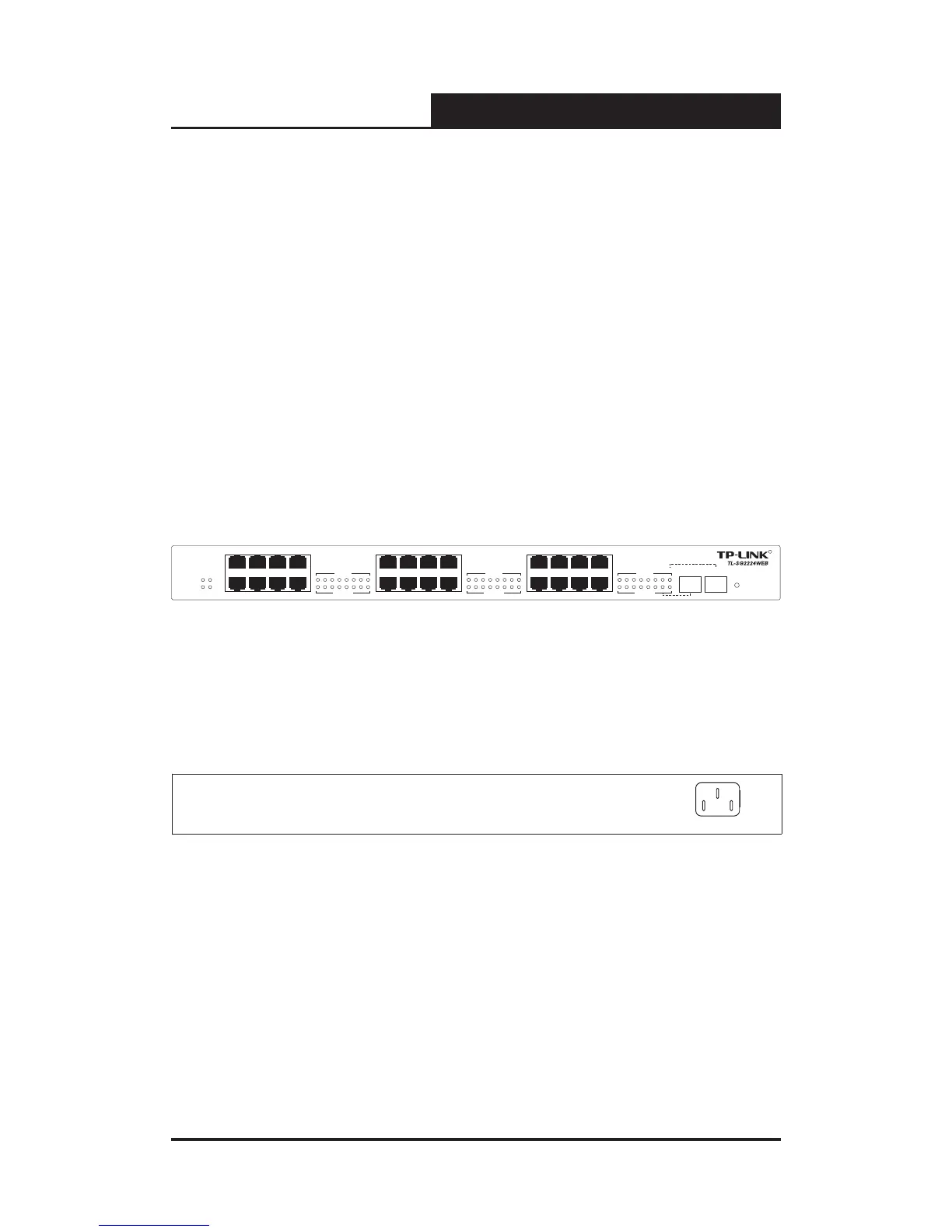
Following shows the front panel of TL-SG2224WEB:
Figure 3-3 TL-SG2224WEB Front Panel
3.2.2 Back Panel
The back panel of the switch is congured as follows:
Figure 3-4 TL-SG2216WEB/TL-SG2224WEB Back Panel
AC Power Connector: This is a three-pronged connector that supports
the power cable. Plug in the female connector of the provided power cable
into this connector, and the male into a power outlet.










 To Next Page