33
Web Smart Gigabit Switch Family User's Guide
TL-SG2216WEB/TL-SG2224WEB
5.3.1.4 User
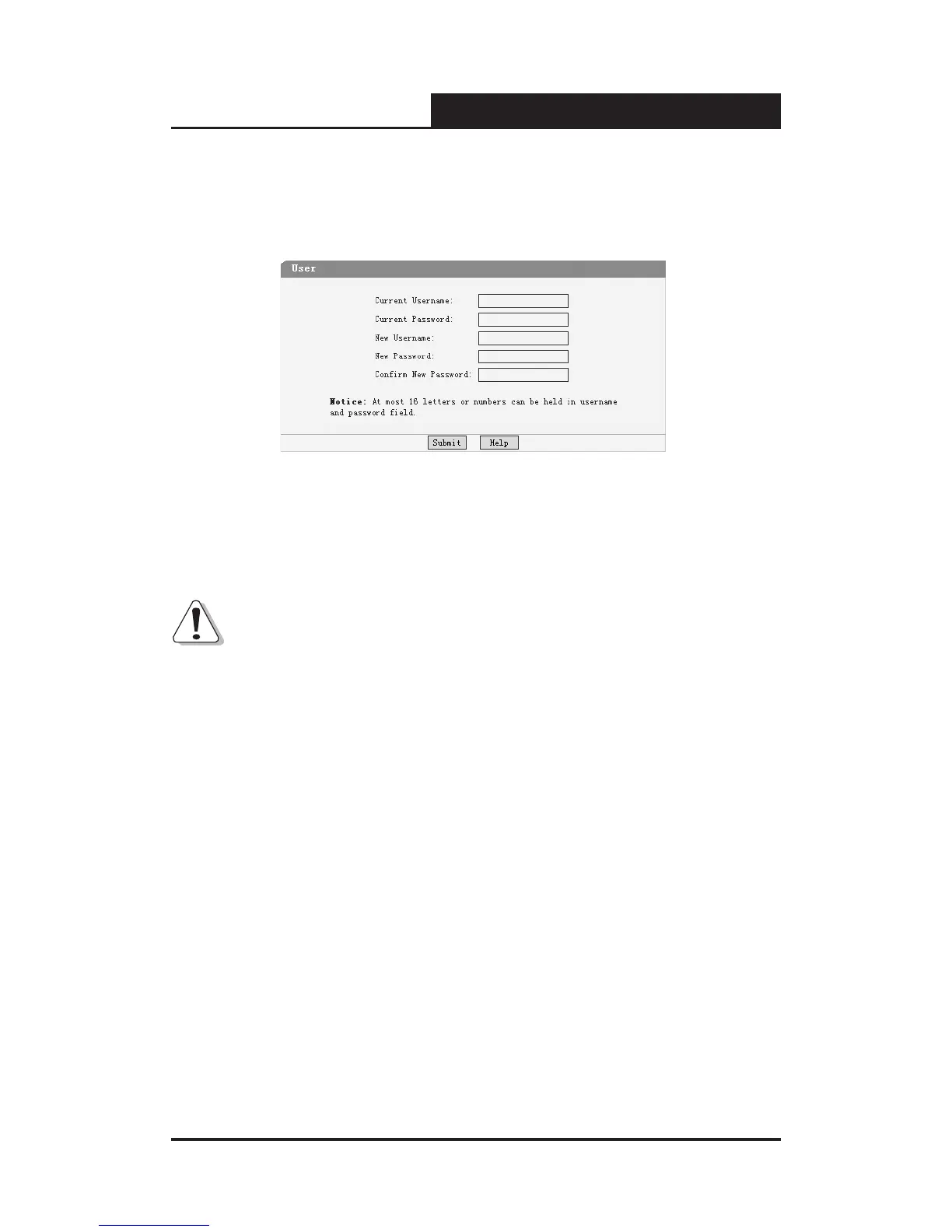
This page provides the interface of conguring username and password.
Figure 5-17 User Conguration
You are kindly suggested to retype the new password in "Confirm new
password" box instead of copying in order to avoid mistakes.
Notice:
1) Only letters, numbers and punctuations can be inputted into username
and password eld, other characters are considered illegal. The length
of username and password ranges from 1 to 16 characters.
2) The initial username and password is supervisor/supervisor.
5.3.2 Port Setting
5.3.2.1 Port Parameter
This page contains the following elds:










 To Next Page