31
Web Smart Gigabit Switch Family User's Guide
TL-SG2216WEB/TL-SG2224WEB
Software Version: Displays the installed software version number.
Hardware Version: Displays the installed device hardware version
number.
System Description: Displays the device model number and name.
System Name: Denes the user-dened device name.
System Location: Defines the location where the system is currently
running.
Contact Information: Denes the contact information of switch manager.
Run time: Shows the run time since last startup.
5.3.1.2 File Transfer
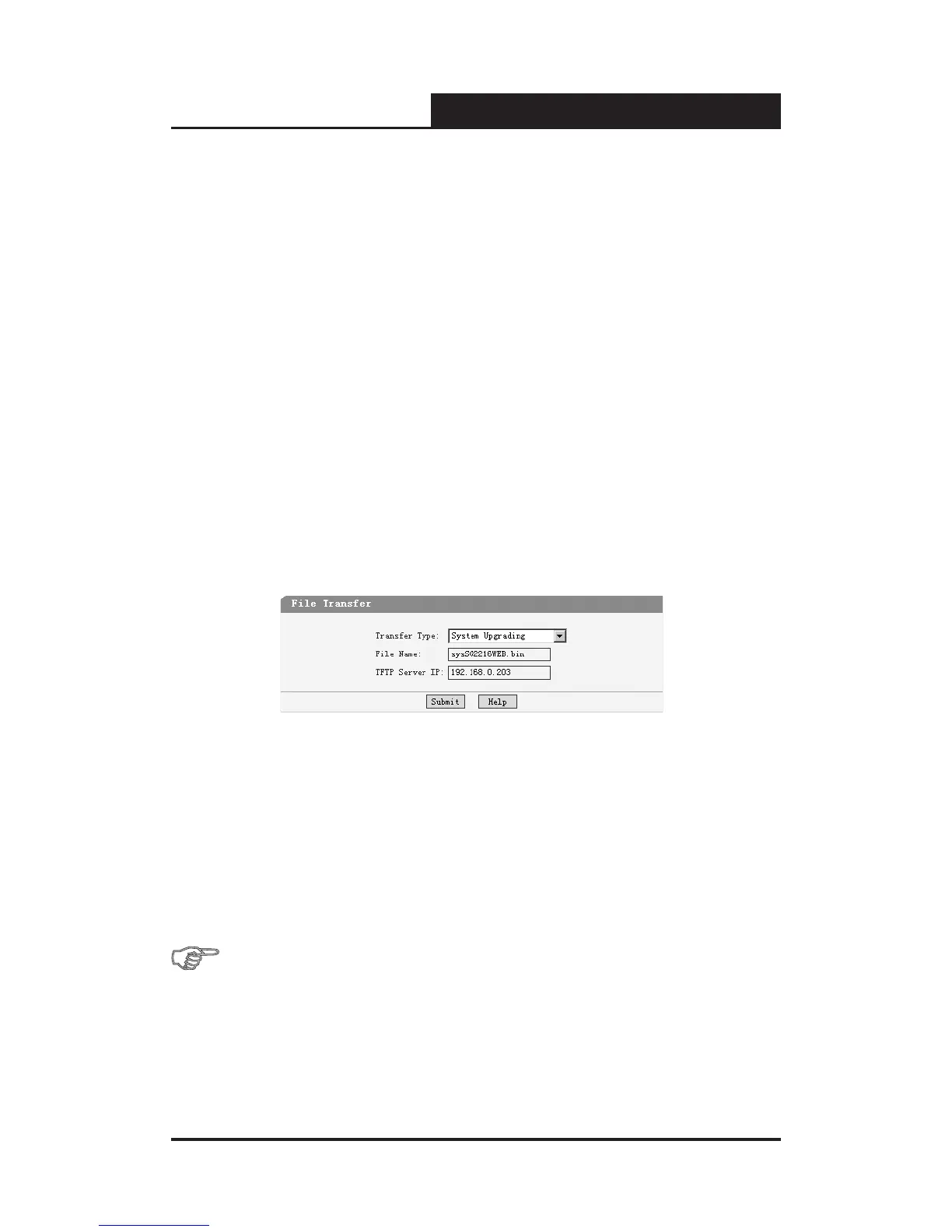
This page contains the following elds:
Figure 5-14 File Transfer
Transfer Type: Lists three types of le transfer supported by the switch.
File Name: Identifies the file to be loaded or to be backuped on TFTP
server.
TFTP Server IP: Indicates the IP address of TFTP server.
Further explanation
File transfer types:
System Upgrading: Means downloading the executable le from TFTP
server to switch and upgrading the system.










 To Next Page