26
Web Smart Gigabit Switch Family User's Guide
TL-SG2216WEB/TL-SG2224WEB
Click the “Settings” label, set the screen resolution to 1024 x 768 and click “OK”.
All the necessary IE conguration is completed.
5.2.2 Login the Switch
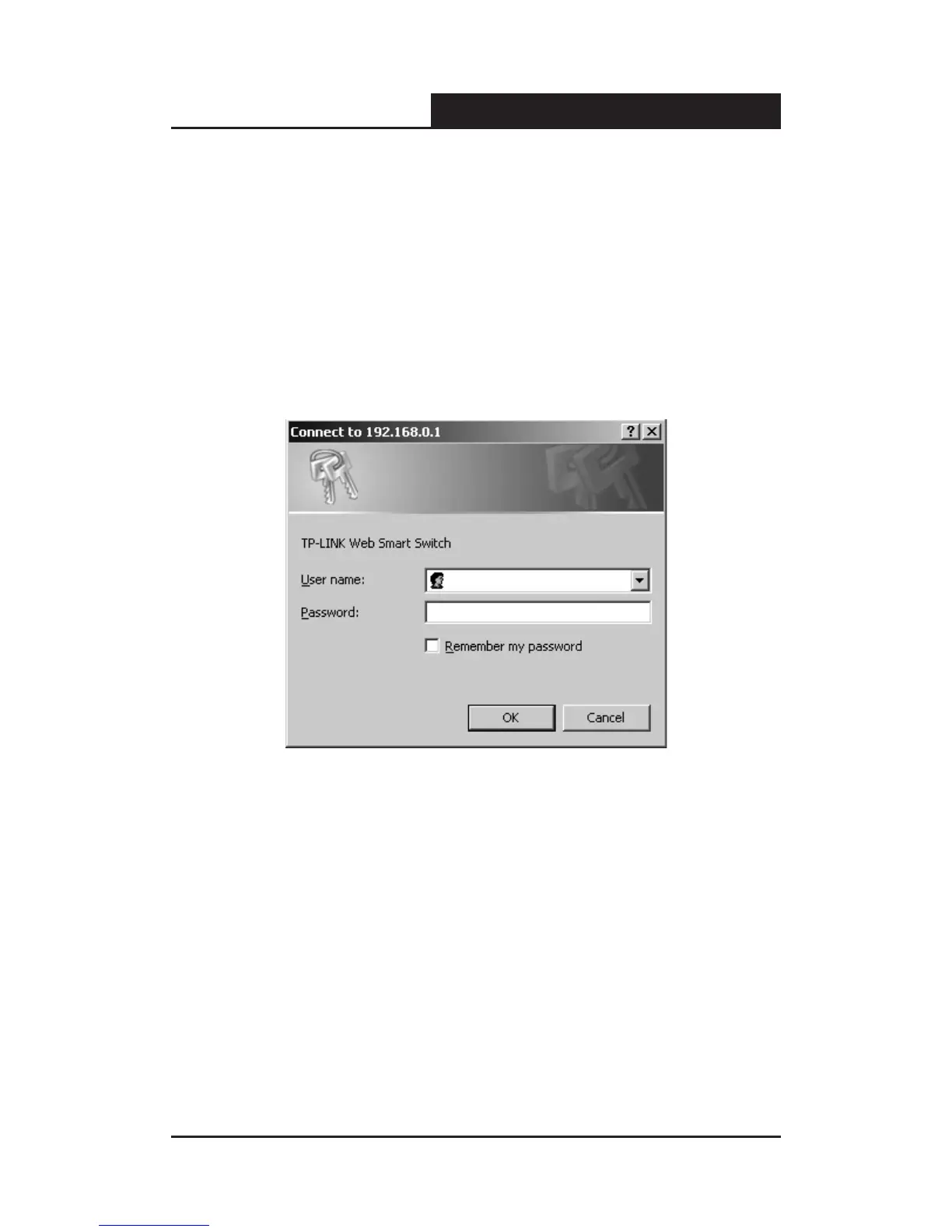
Supposing the switch IP address is set as 192.168.0.1, open a web browser
and enter http://192.168.0.1 in the address location, and then the following
dialog page appears:
Figure 5-6 Login Dialog
Enter username and password (default value are both "supervisor") to login
the switch conguration main page.
5.3 Setting the Device
After logging into the switch, the main page appears as the following. It
contains three parts:










 To Next Page