9.2.4 When A is set to Data with no B data
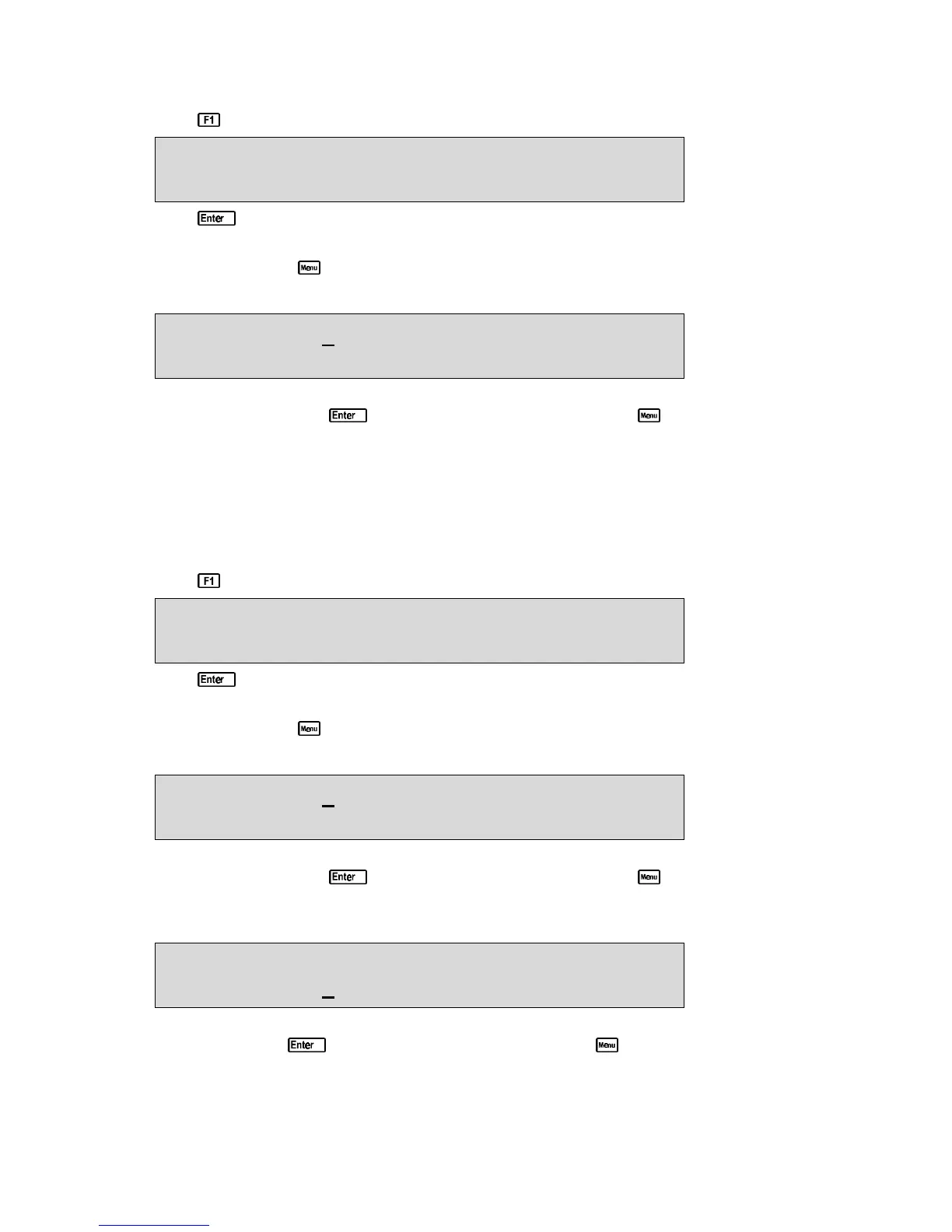
1. Press in normal display mode. The display should now look like this…
10.00ppM 2.76mS 7.00pH 25.0
o
c
Log#1, <Enter> 31/12 12:00:00
2. Press to record all parameters, plus Date and Time into the Logger memory. This will be
labelled as reading number 1.
Alternatively, press to quit without recording the reading.
3. The 90-FL now proceeds to the A data entry screen…
Enter Data A:0
Data Recorded, Now Input A or Press Menu
Use the numeric keypad to key in up to four characters for the “A” data item. The decimal
point is available. Press to record the “A” data item, or press to quit. Quitting at this
point records a Zero as the “A” data item.
4. Repeat steps 1 to 3 as often as required.
The maximum number of readings that can be stored in the Logger with this A & B Data Input
setting is 1632.
9.2.5 When A and B are both set to Data
1. Press in normal display mode. The display should now look like this…
10.00ppM 2.76mS 7.00pH 25.0
o
c
Log#1, <Enter> 31/12 12:00:00
2. Press to record all parameters, plus Date and Time into the Logger memory. This will be
labelled as reading number 1.
Alternatively, press to quit without recording the reading.
3. The 90-FL now proceeds to the A data entry screen…
Enter Data A:0
Data Recorded, Now Input A or Press Menu
Use the numeric keypad to key in up to four characters for the “A” data item. The decimal
point is available. Press to record the “A” data item, or press to quit. Quitting at this
point records Zero’s as the “A” and “B” data items.
4. The 90-FL now proceeds to the B data entry screen…
Enter Data A:1234
Enter Data B:0
Use the numeric keypad to key in up to four characters for the “B” data item. The decimal point
is available. Press to record the “B” data item, or press to quit. Quitting at this point
records a Zero as “B” data item.
5. Repeat steps 1 to 4 as often as required.
The maximum number of readings that can be stored in the Logger with this A & B Data Input
setting is 1632.



 To Next Page