21WX
TrafiCam with TI (9 wires)
9. Other functions
View the detection
TrafiCam PC Tool allows to view live detection on the whole video image or on a single presence detection zone.
Traficon recommends to use this function only for diagnostic purposes; viewing live detection may reduce the
performance of the TrafiCam sensor.
View live detection on the whole video image
• Click View Detection from the View menu.
You view detection on the whole image.
View live detection on a single presence detection zone
• Click the detection zone.
• Click View Detection from the View menu.
You view detection on the presence detection zone. The rest of the video image does not change.
To stop viewing: click Refresh Image from the View menu.
Also the following information is displayed when you view live detection.
Display:
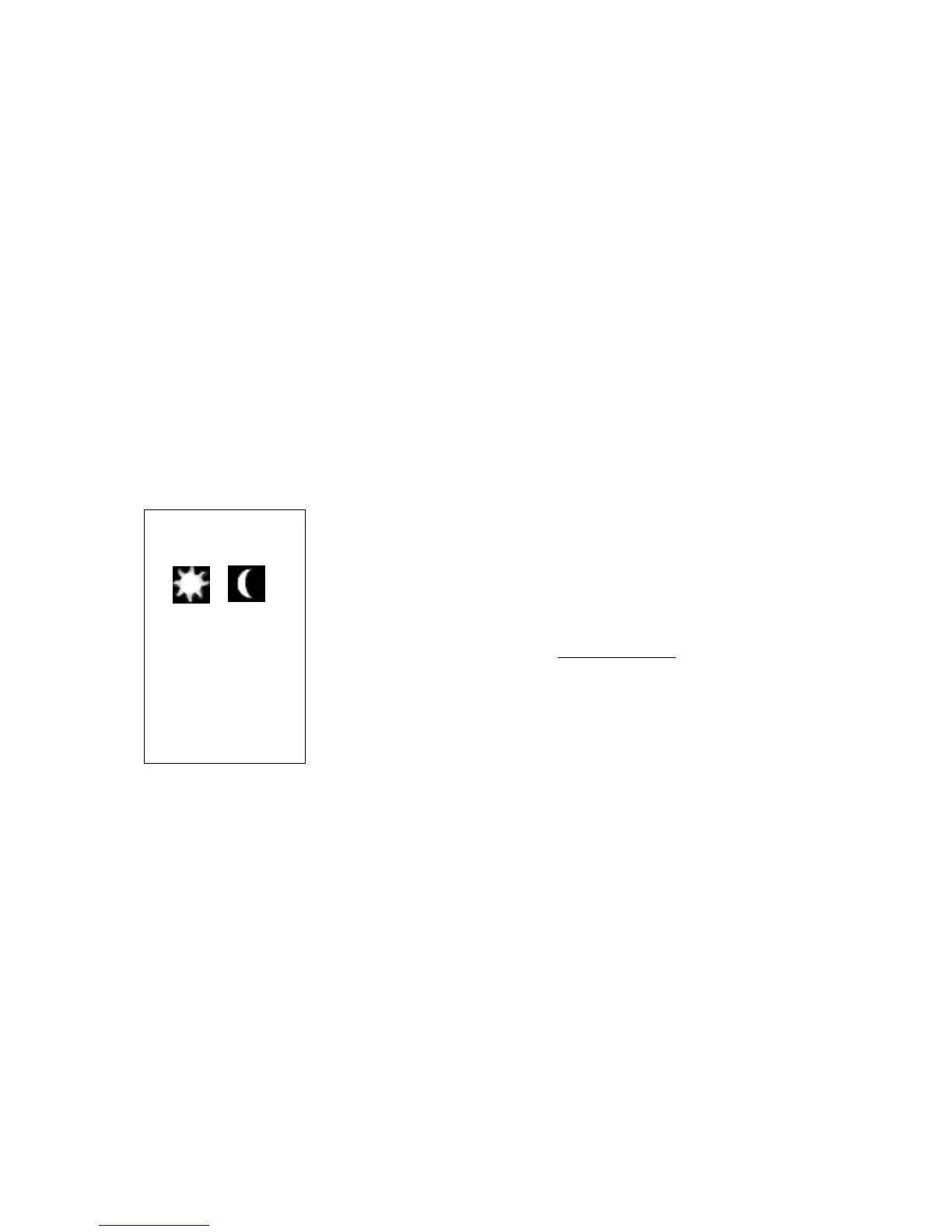
day night
Im Q: 10
Det Q: 10
Comm Q: 100%
Information:
Detection mode
Quality (image and detection quality, see The failsafe function)
Optimum quality = 10
Communication quality (between sensor and interface)
Set the delay and extend time for a zone
TrafiCam allows to define a delay time and an extend time for each presence detection zone.
The delay time is defined as the time between presence detection and the status change of the output. When a vehicle
enters the zone the output is delayed until the delay time expires.
The extend time is the time between the moment when the vehicle leaves the zone and the moment when the output
from that zone expires. If another vehicle enters the detection zone before the extend timer times out, the detection is
held and the extend timer is reset. When the extend timer times out the delay timer has to expire before another
presence detection can be received.
Via the extend mode, you can set the extension of presence detection during day or night only.
• Select Advanced Settings from the Tools menu.
• Select Zone Information.


 To Next Page