MUSIC Mode
MUSIC Functions
If you want to buy DRM (Digital Rights Management) music online please be advised that
the MP840 only supports WMA-DRM10 music files and you must use the MTP Music
Transfer Mode to transfer the files to the player.
Play MP3, WMA and WMA-DRM10 (Subscription) Music
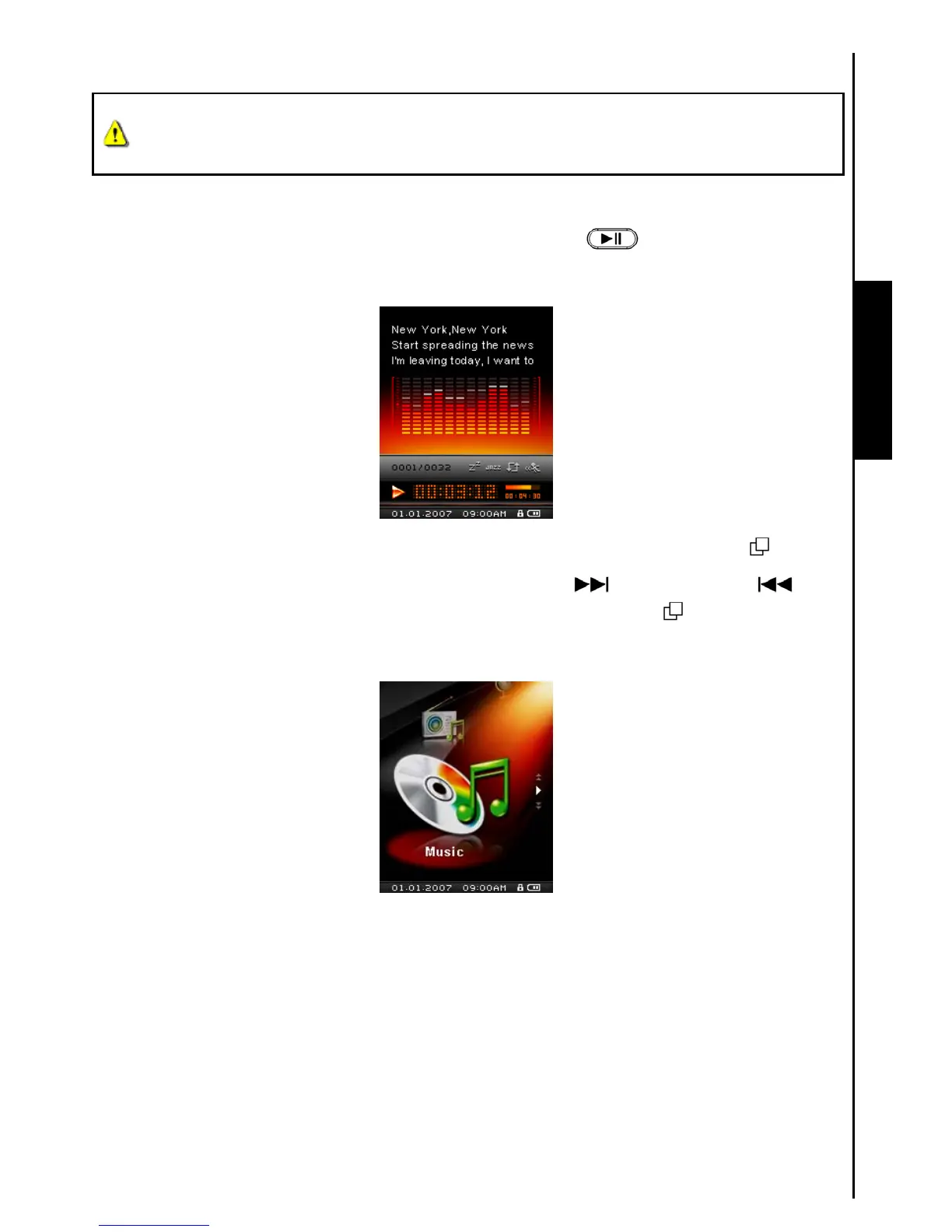
1. Press and Hold the “PLAY / PAUSE / POWER ON-OFF” button to Power ON the unit. The
default screen is the MUSIC Mode screen.
You can also enter the MUSIC Mode by pressing the “Menu Switch” inwards (MENU) to enter
the Main Menu, then push the “Menu Switch” down (Next)
or up (Previous) until
you reach the “MUSIC” icon. Press the “Menu Switch” inwards (MENU) to enter the MUSIC
Mode.
2. If no MP3, WMA, or WMA-DRM10 files exist, a “**No Files**” message will be displayed on the Color
LCD screen.



 To Next Page