Settings
SETTINGS
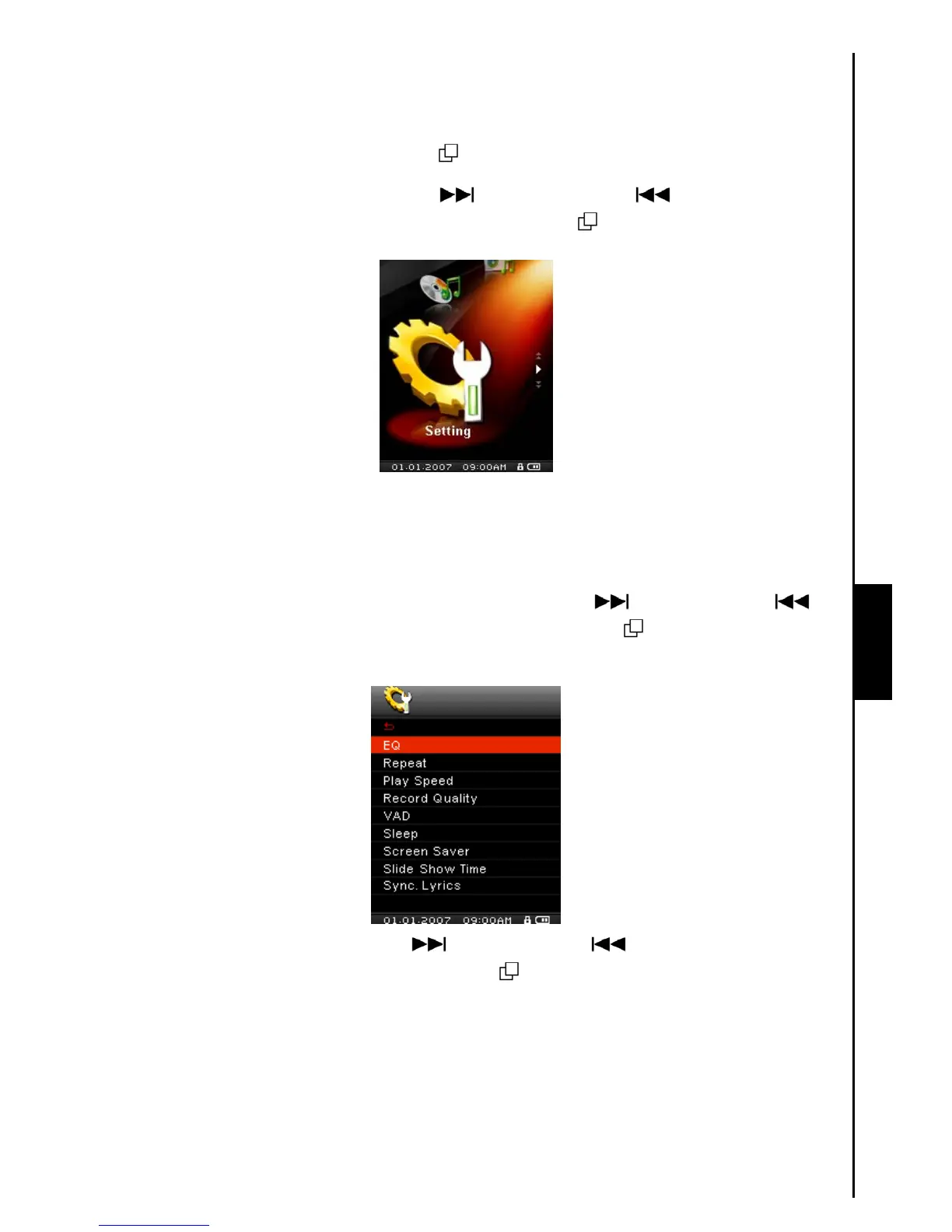
Enter the Settings Menu
1. Press the “Menu Switch” inwards (MENU) to enter the Main Menu.
2. Push the “Menu Switch” down (Next)
or up (Previous) until you reach the
“SETTINGS” icon. Press the “Menu Switch” inwards (MENU)
to enter the SETTINGS Mode.
Equalizer (EQ) Mode
There are several EQUALIZER Modes to choose from: Normal, Classical, Rock, Pop, Jazz, Bass, User
EQ.
1. In the SETTINGS Menu, push the “Menu Switch” down (Next)
or up (Previous) to
select the EQ item, then press the “Menu Switch” inwards (MENU) to enter the EQUALIZER
Mode.
2. Push the “Menu Switch” down (Next) or up (Previous) to change the EQUALIZER
Mode, press the “Menu Switch” inwards (MENU) to select the EQ setting and return to the
SETTINGS Menu. You will immediately hear the different sound effect in your earphones.



 To Next Page