SETTINGS SETTINGS
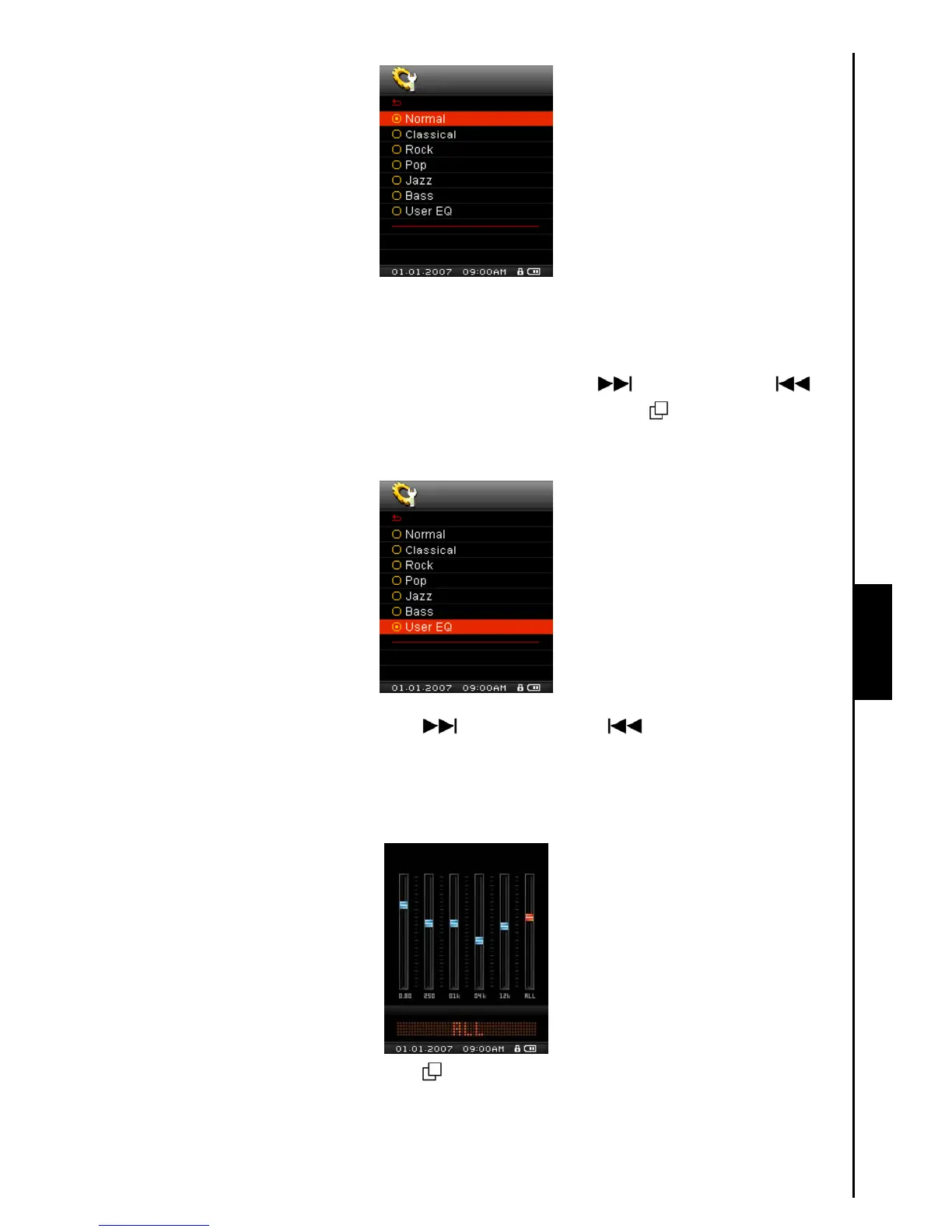
User EQ Customization
The User EQ allows you to customize the settings of a 5 Band Equalizer to your personal preferences.
1. In the EQUALIZER Mode, push the “Menu Switch” down (Next)
or up (Previous) to
select the User EQ item, then press the “Menu Switch” inwards (MENU)
to enter the USER EQ
Mode.
2. Push the “Menu Switch” down (Next) or up (Previous) to switch between the 5
customizable equalizer Bands: 80Hz – 250Hz – 1KHz – 4KHz – 12KHz. Press the “Volume Up”
button “
+”, or “Volume Down” button “-” to Increase, or Decrease the EQ settings from -8dB to
+7dB in 1.0dB steps.
Press the “Menu Switch” inwards (MENU) to save the new User EQ settings and return to the
EQUALIZER Mode.



 To Next Page