SETTINGS
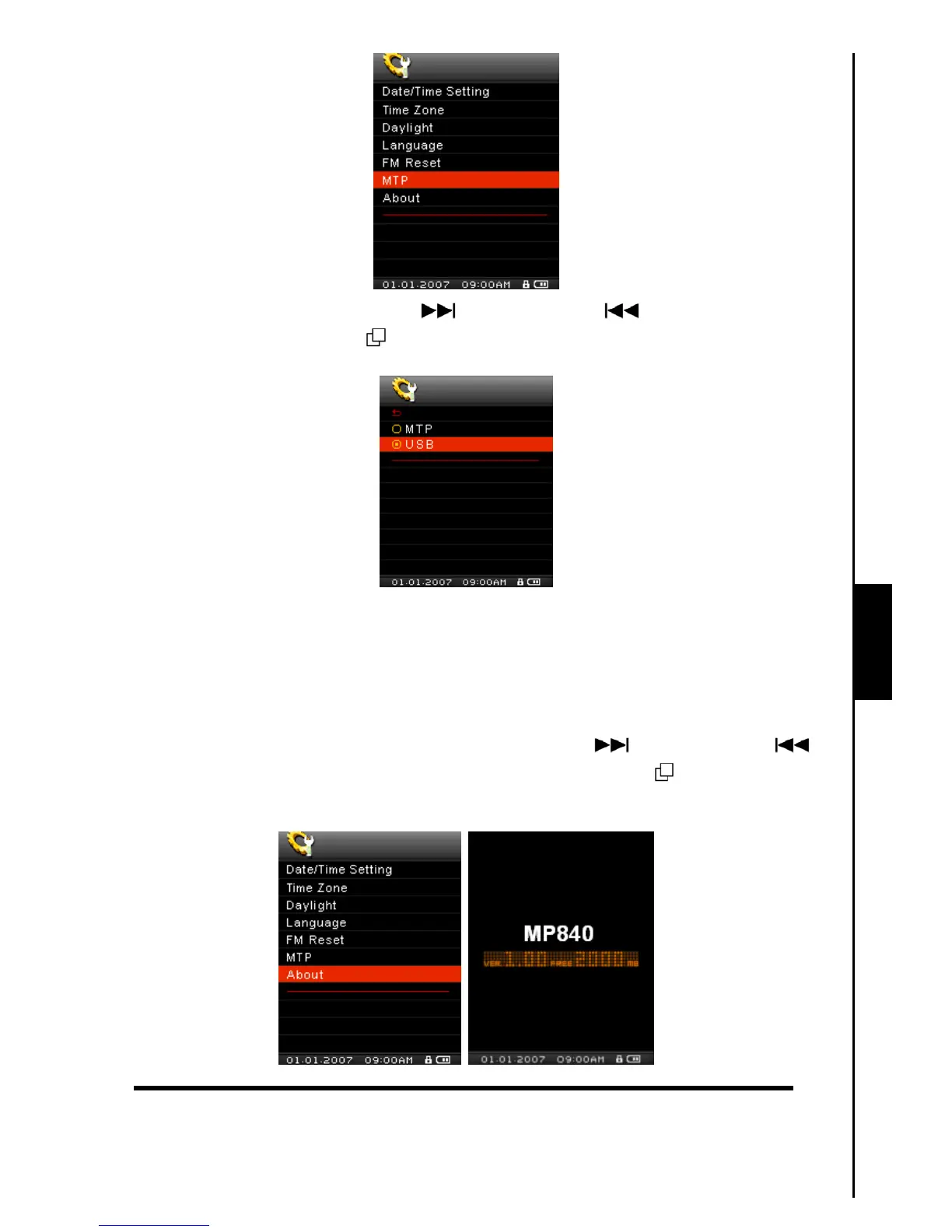
2. Push the “Menu Switch” down (Next) or up (Previous) to select USB, press the
“Menu Switch” inwards (MENU)
to confirm the selection and return to the SETTINGS Menu.
3. In the USB Mode (WMA-DRM10 NOT supported) you can drag and drop files onto any media specific
folders that you have created, or onto the MP840’s corresponding Removable Disk drive letter.
About
Displays information about the MP840’s firmware version and memory capacity.
1. In the SETTINGS Menu, push the “Menu Switch” down (Next)
or up (Previous) to
select the About item, then press the “Menu Switch” inwards (MENU)
to display the About
information on the Color LCD screen.



 To Next Page