Connecting to a Computer
Use with a Computer
If you want to buy and play WMA-DRM10 (only) music files, or you are using Windows
Media Player 10 you must choose the MTP (Media Transfer Protocol) Music Transfer Mode
to transfer and synchronize music files between the computer and your MP840.
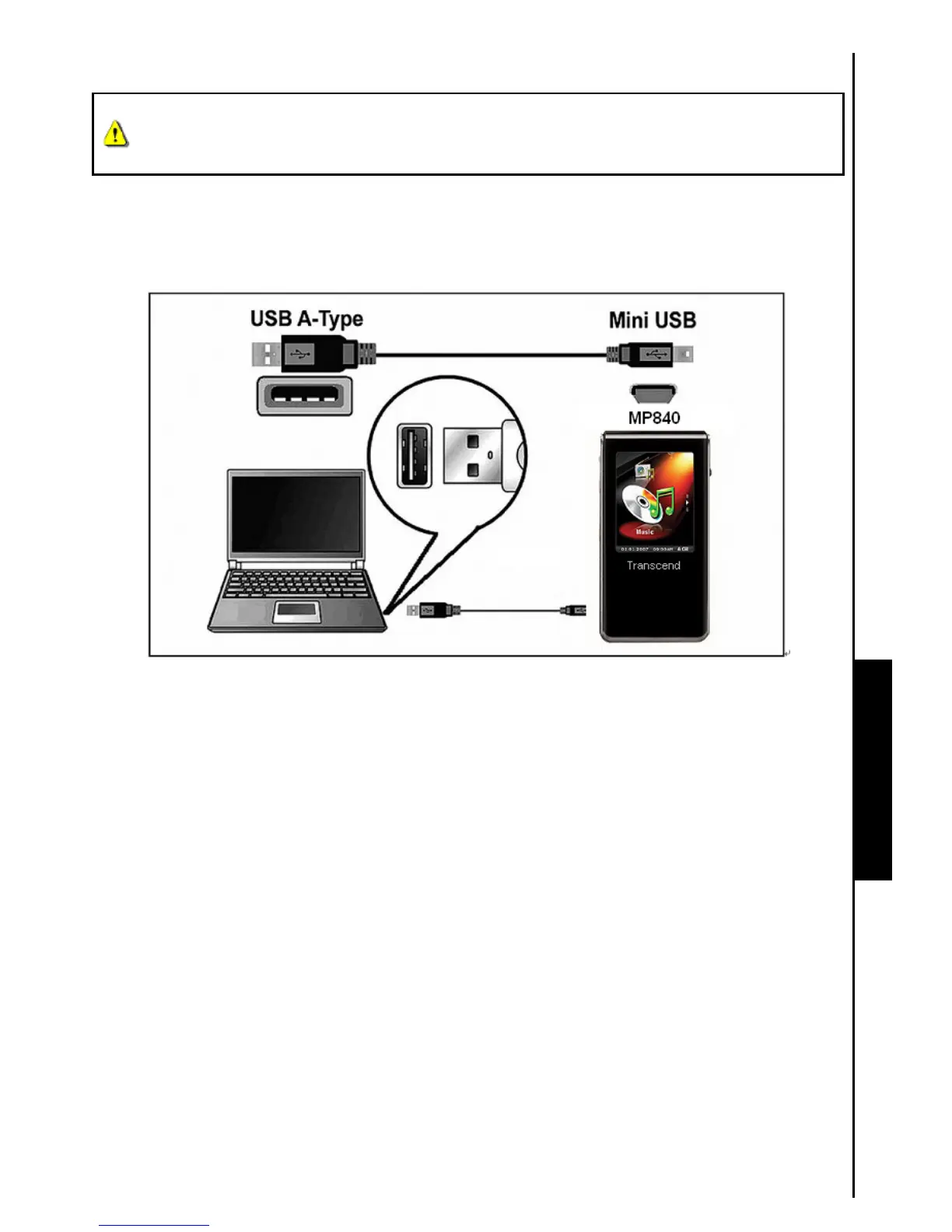
1. Plug the small end of the Mini USB to USB A-Type cable into the Mini USB connector on the MP840
and plug the large end of the cable into an available USB port on your desktop, or notebook computer.
When connected to a computer the MP840’s rechargeable Li-ion battery will begin charging and the
MP840can only be used for transferring files.
Figure 4. Connecting to a Computer



 To Next Page