MUSIC Functions
6. Pushing the “Menu Switch” up (Previous) and selecting the top entry in the root
directory [/Root.DIR/] (top folder level) will quit the Navigator.
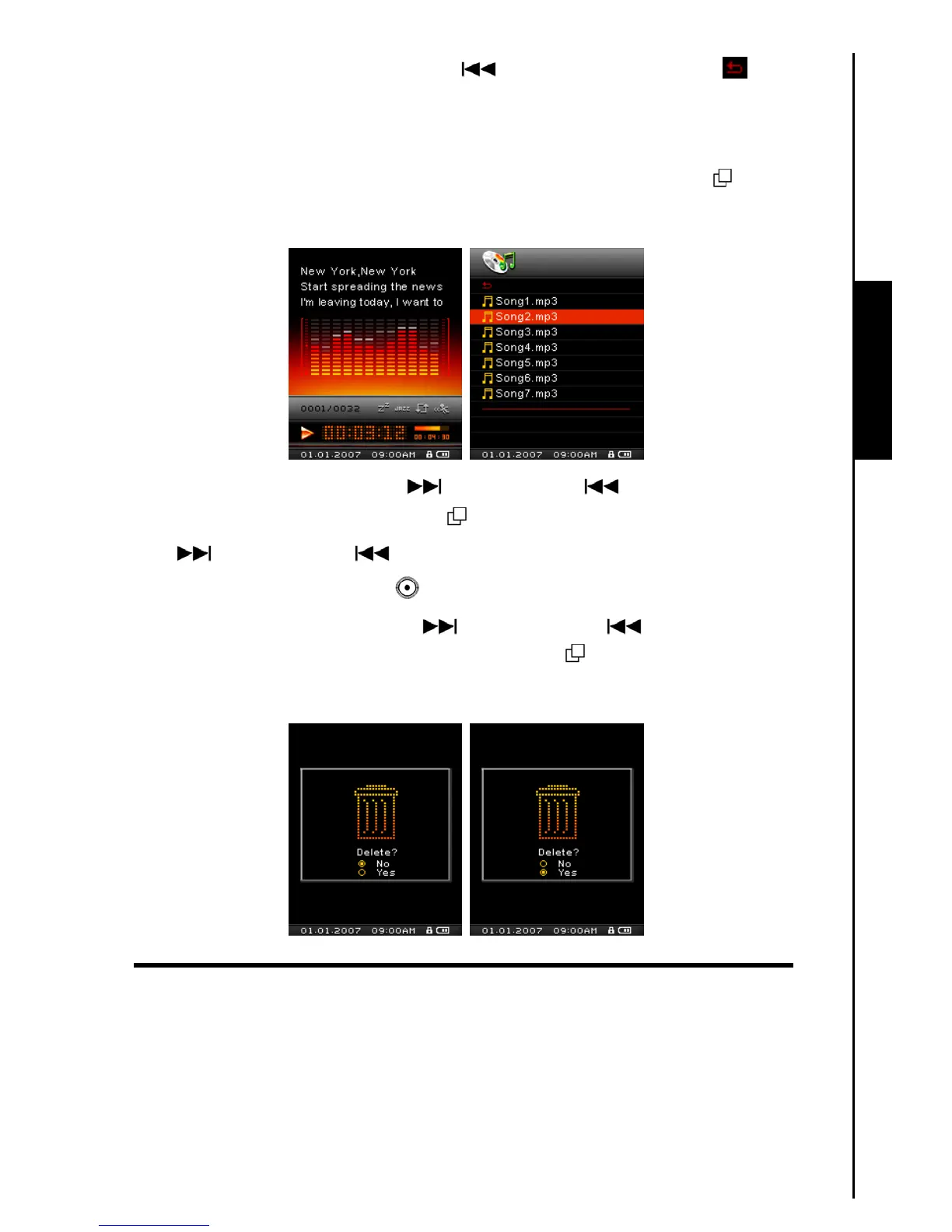
Delete a file in the MUSIC Mode
1. In the MUSIC Mode, Press and Hold the “Menu Switch” inwards (MENU) to enter the
Navigator.
2. Push the “Menu Switch” down (Next) or up (Previous) to select a folder.
3. Press the “Menu Switch” inwards (MENU)
to enter a folder, push the “Menu Switch” down
(Next)
or up (Previous) to select a file.
4. Press the “A-B Repeat / Rec” button
to open the Delete a file options.
5. Push the “Menu Switch” down (Next)
or up (Previous) to select YES, or NO to
Delete the file and press the “Menu Switch” inwards (MENU)
to confirm the selection and return
to the NAVIGATOR Mode.



 To Next Page