Transcend Digital Music Player Utility
Digital Music
The Transcend Digital Music Player Utility* provides you with several software options including a:
PC-Lock Function
Partition & Security Function
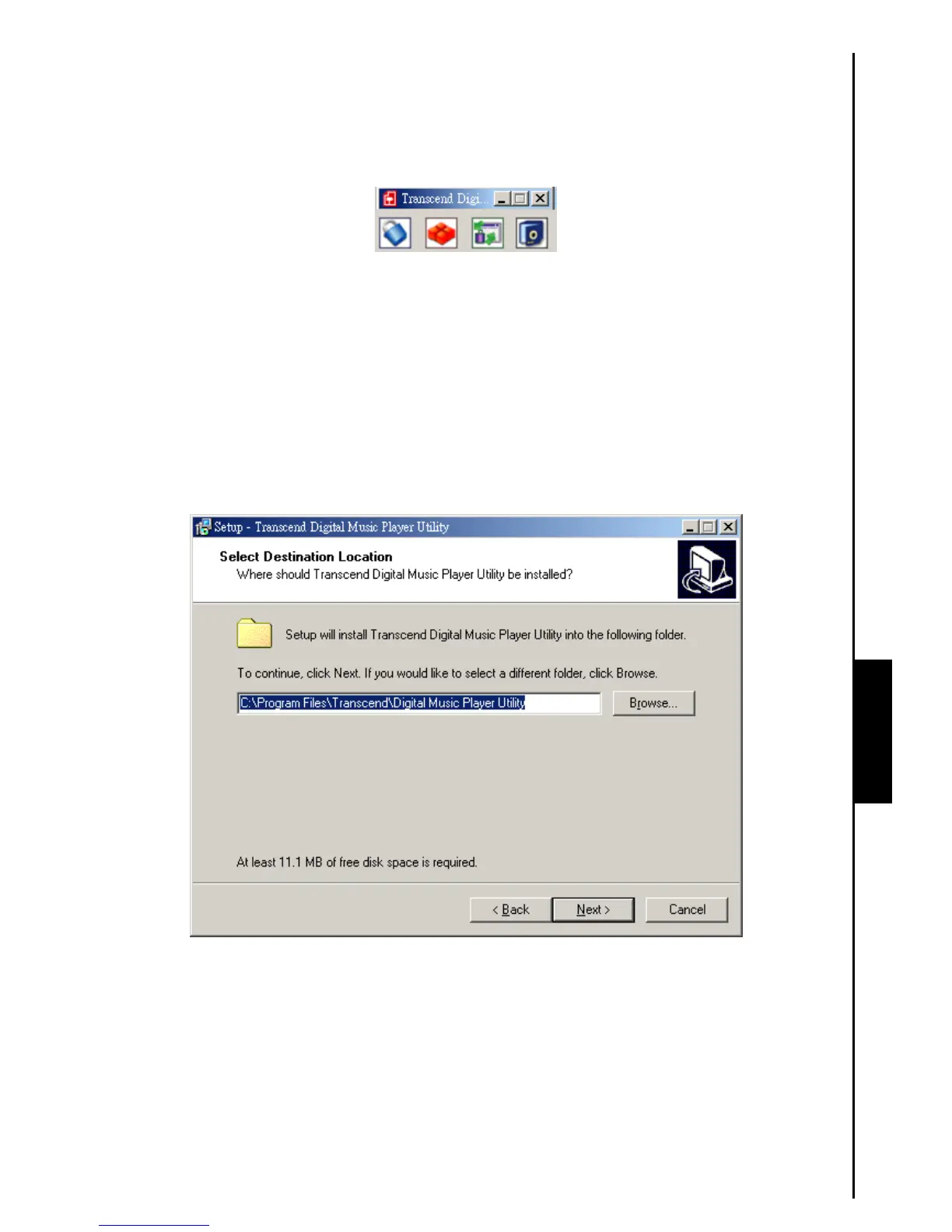
Figure 18. Transcend Digital Music Player Utility Menu
The Transcend Digital Music Player
Utility is not supported on Mac
™
, or Linux
™
Operating
Systems.
To use the Transcend Digital Music Player
Utility, you must log in to the Windows
®
OS with
Administrator rights.
Installing the Transcend Digital Music Player Utility
1. After selecting the “Utility” software option in the Software Setup window, the “InstallShield
Wizard” appears. Click on the “Next” button to continue. The InstallShield Wizard will guide you
through the Transcend Digital Music Player Utility Program installation process.
Figure 19. Transcend Digital Music Player Utility Program InstallShield Wizard



 To Next Page