RECORD Functions
recording.
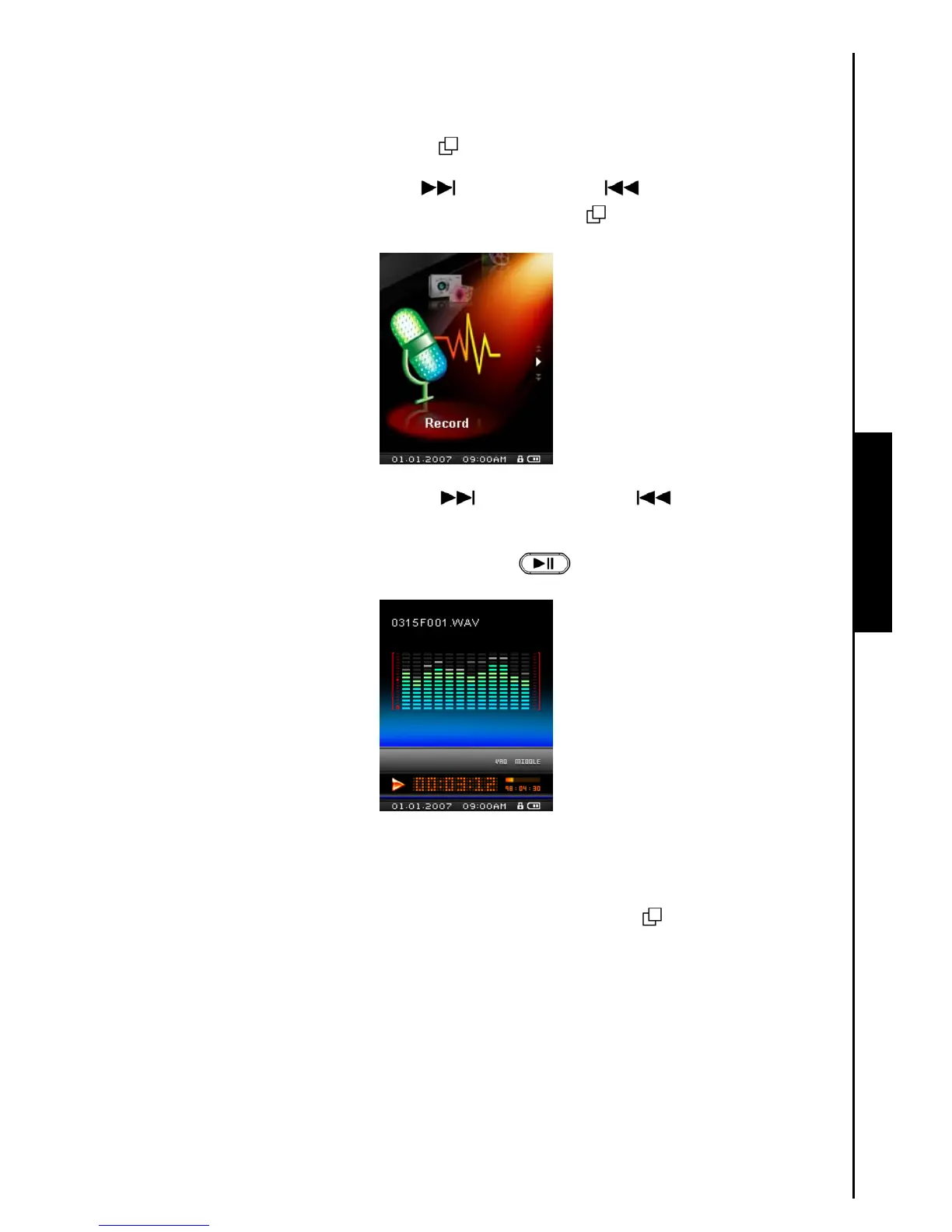
Play a Recorded Sound File
1. Press the “Menu Switch” inwards (MENU) to enter the Main Menu.
2. Push the “Menu Switch” down (Next)
or up (Previous) until you reach the “A-B
Repeat / Rec” icon. Press the “Menu Switch” inwards (MENU)
to enter the RECORD Mode.
3. Push the “Menu Switch” down (Next) or up (Previous) to select a desired
[Month/DayF00x.WAV], or [Month/DayM00x.WAV] file.
4. Press the “PLAY / PAUSE / POWER ON-OFF” button
to play the recorded file.
File Navigator Mode
The File Navigator is a fast and convenient way of moving between tracks, files and folders.
1. In RECORD Mode, Press and Hold the “Menu Switch” inwards (MENU)
to enter the Navigator.



 To Next Page