PHOTO Mode
PHOTO Functions
If you want to display Photos on your MP840 you must select a ‘.jpg’ or ‘.bmp’ photo file to
transfer to the player.
Display JPG and BMP Photo files on your MP840
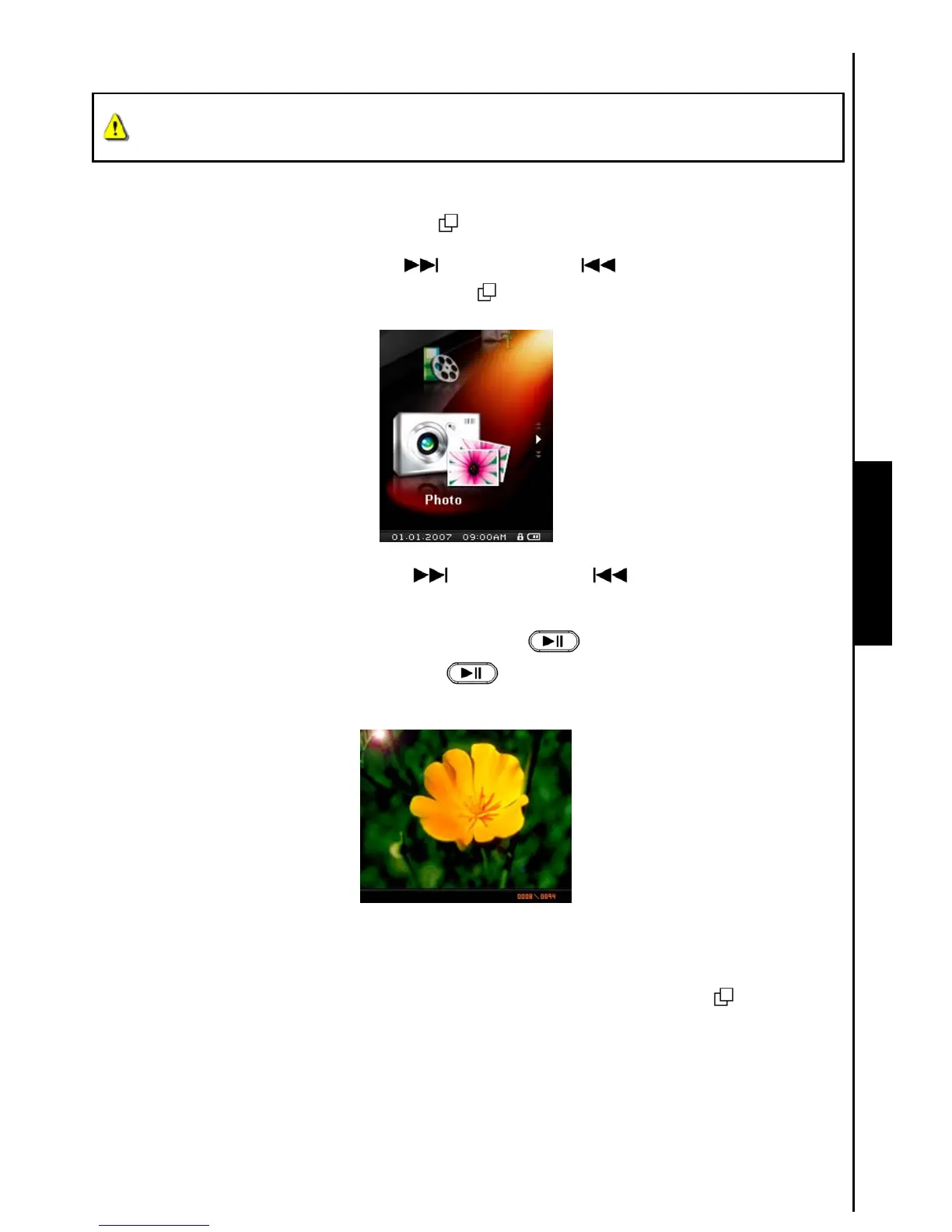
1. Press the “Menu Switch” inwards (MENU) to enter the Main Menu.
2. Push the “Menu Switch” down (Next)
or up (Previous) until you reach the “PHOTO”
icon. Press the “Menu Switch” inwards (MENU)
to enter the PHOTO Mode.
3. Push the “Menu Switch” down (Next) or up (Previous) to select a desired JPG, or
BMP file.
4. Press the “PLAY / PAUSE / POWER ON-OFF” button
to display the Photo file, press the
“PLAY / PAUSE / POWER ON-OFF” button
again to begin the Photo Slideshow.
MP840 only supports “.jpg” and “.bmp” photo files.
File Navigator Mode
The File Navigator is a fast and convenient way of moving between files and folders.
1. In the PHOTO Mode, Press and Hold the “Menu Switch” inwards (MENU)
to enter the
Navigator.



 To Next Page