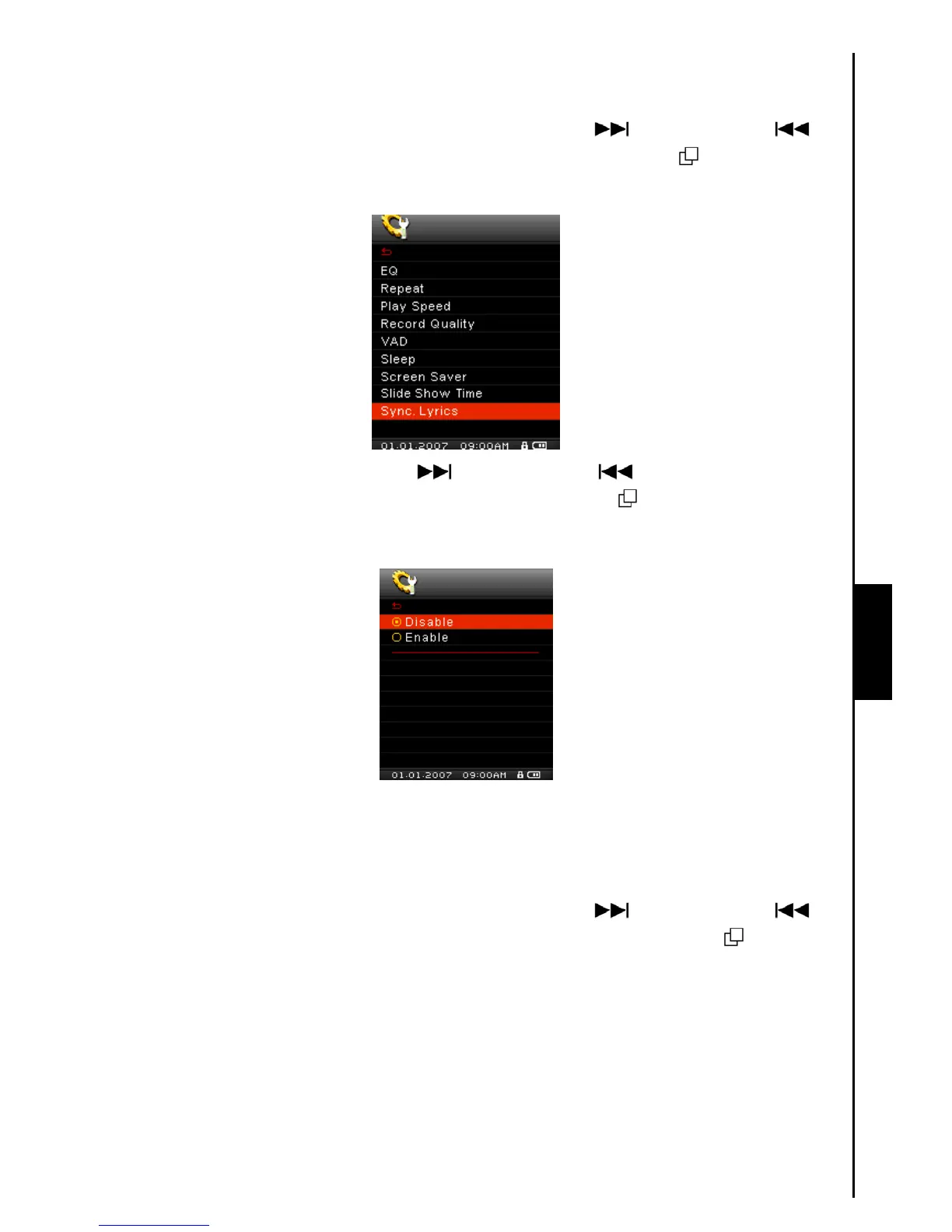
Sync. Lyrics
SETTINGS
Karaoke-type feature that displays the lyrics of a song on the Color LCD screen during Playback.
1. In the SETTINGS Menu, push the “Menu Switch” down (Next) or up (Previous)
to
select the Sync. Lyrics item, then press the “Menu Switch” inwards (MENU)
to enter the Sync.
Lyrics Mode.
2. Push the “Menu Switch” down (Next) or up (Previous) to Disable, or Enable the
Sync. Lyrics feature. Press the “Menu Switch” inwards (MENU)
to save the selection and
return to the SETTINGS Menu.
Date/Time Setting
The MP840’s RTC displays the local time and date, both can be adjusted and an additional setting lets
you enable Daylight Saving Time (DST) to allow for local Summer and Winter times.
1. In the SETTINGS Menu, push the “Menu Switch” down (Next)
or up (Previous) to
select the Date/Time Setting item, then press the “Menu Switch” inwards (MENU)
to enter the
Date/Time Setting Mode.



 To Next Page