RADIO Functions
Increase/Decrease the Volume
1. Press once, or Press and Hold the “Volume Up” button “+”, or “Volume Down” button “-” until you
reach the desired volume level.
Saving a Radio Station
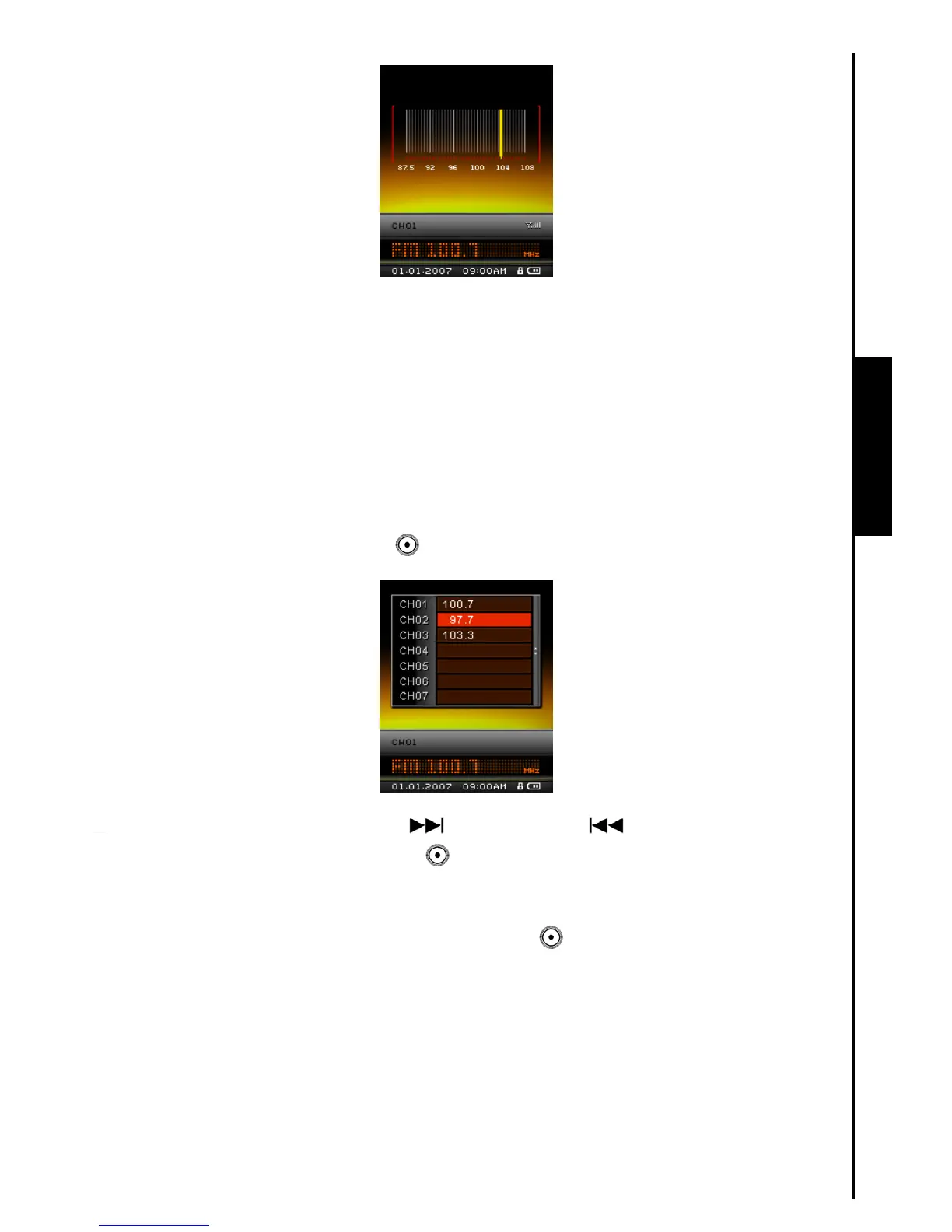
You can save your 20 favorite Radio stations from CH 01 to CH 20 in the MP840’s memory.
1. Select the Radio station (FM frequency) that you wish to save.
2. Press the “A-B Repeat / Rec” button
to enter the Preset FM Channel.
3. Push the “Menu Switch” down (Next) or up (Previous) to select a channel number
and press the “A-B Repeat / Rec” button to save the selected station to it.
Recall a Saved Station
1. In the RADIO Mode press the “A-B Repeat / Rec” button to enter the Preset FM Channel.



 To Next Page