SETTINGS SETTINGS
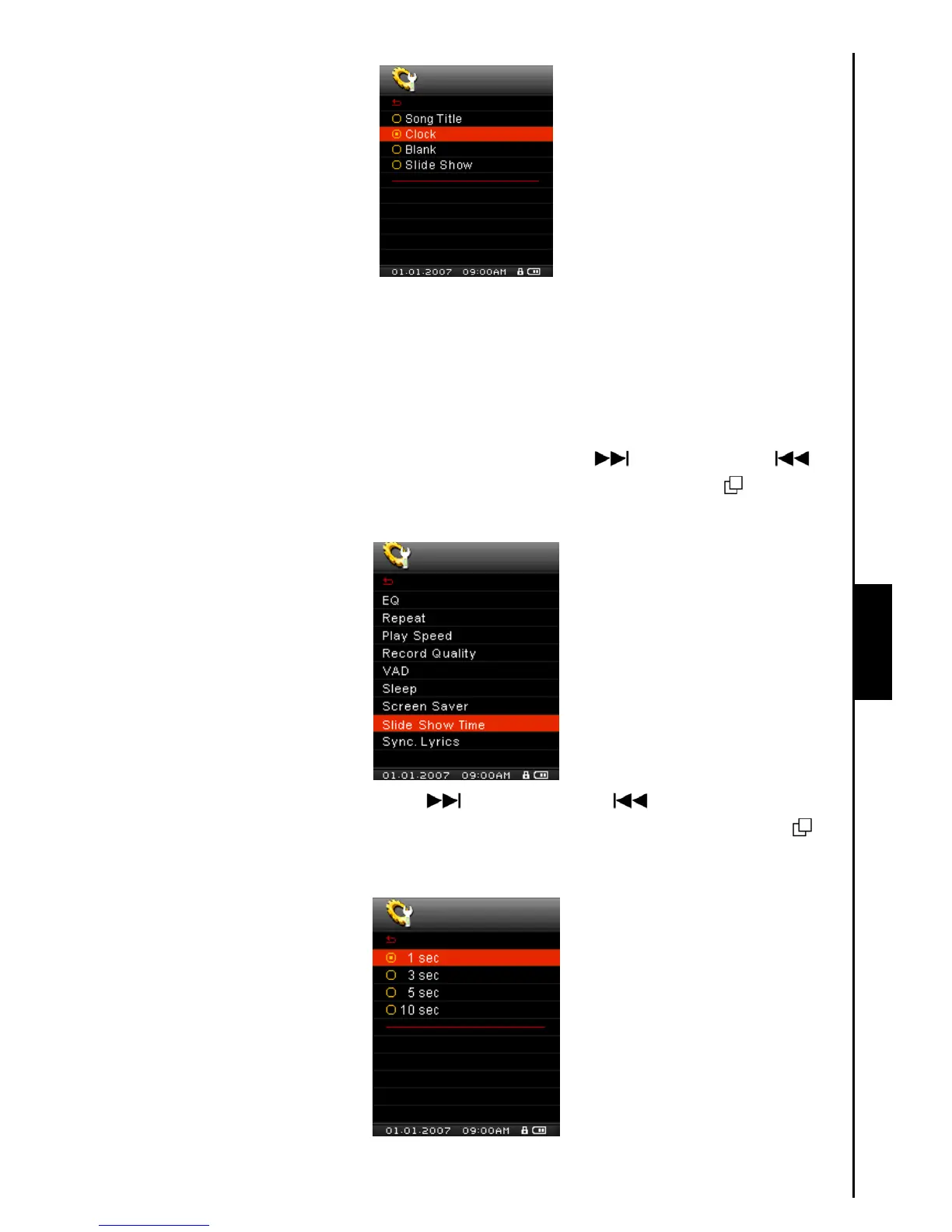
Slide Show Time
Sets a time delay for the photo that is currently being displayed on the screen to change to the next photo.
You must use the SlideShow Maker software application to setup a photo slideshow. The Slideshow
feature will only work on “.sls” files. Please see the “SlideShow Maker” section in the Software Setup
chapter to configure the Slideshow application.
1. In the SETTINGS Menu, push the “Menu Switch” down (Next)
or up (Previous) to
select the Slide Show Time item, then press the “Menu Switch” inwards (MENU)
to enter the
Slide Show Time Mode.
2. Push the “Menu Switch” down (Next) or up (Previous) to set the timer for the
Slideshow: 1 Sec – 3 Sec – 5 Sec – 10 Sec. Press the “Menu Switch” inwards (MENU)
to
select the Slideshow time delay and return to the SETTINGS Menu.



 To Next Page