SETTINGS SETTINGS
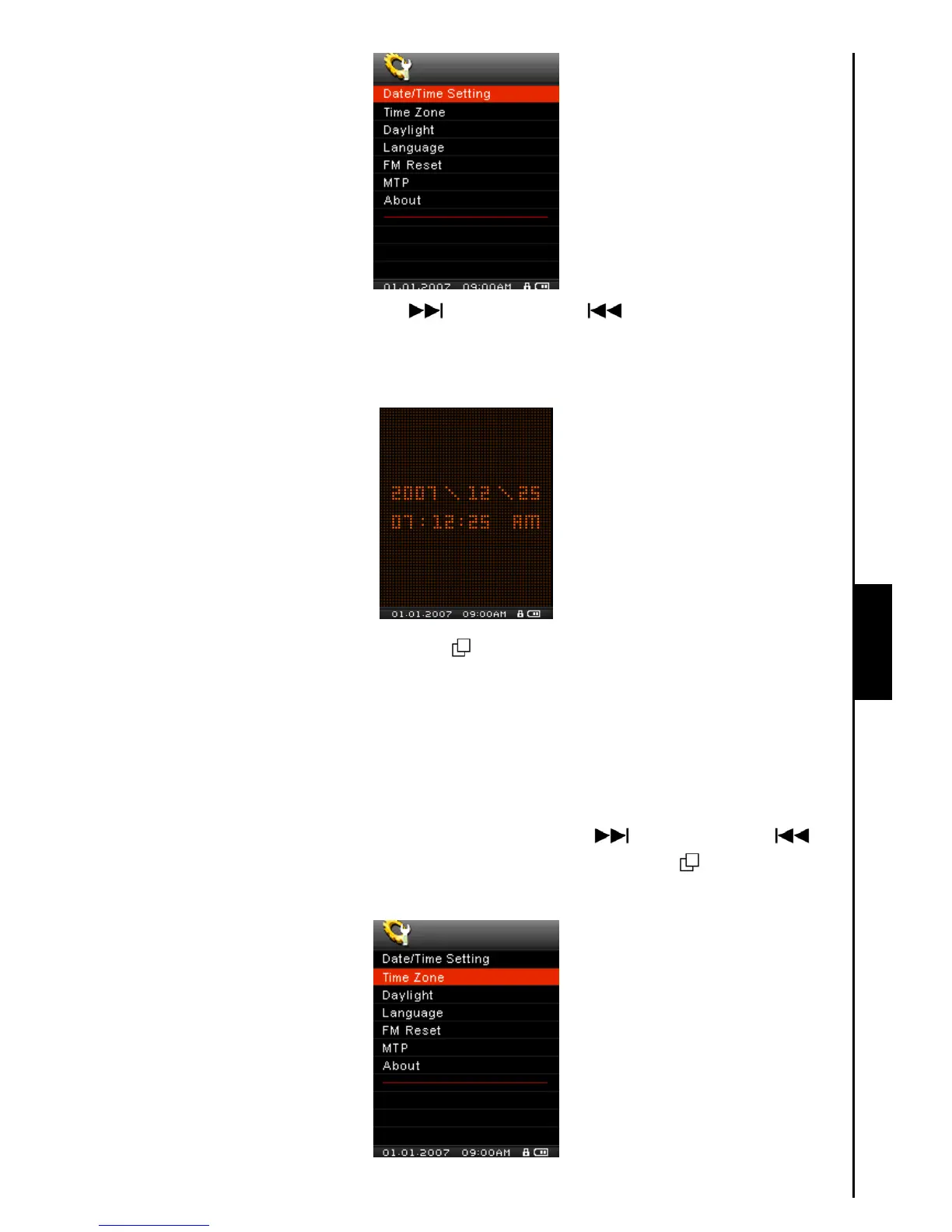
2. Push the “Menu Switch” down (Next) or up (Previous) to switch between the Time,
Month, Day and Year. Press the “Volume Up” button “
+”, or “Volume Down” button “-” to change
the time, or date.
3. Press the “Menu Switch” inwards (MENU) in the Date/Time Setting Menu to return to the
SETTINGS Menu.
Time Zone
The MP840 has the ability to display the local time for different time zones; this is a handy feature if you
are traveling.
1. In the SETTINGS Menu, push the “Menu Switch” down (Next)
or up (Previous) to
select the Time Zone item, then press the “Menu Switch” inwards (MENU)
to enter the Time
Zone Mode.



 To Next Page